Tax-Free* | 18-Month Warranty | 30 Day Returns Guaranteed.

cad software

Quick Link

Suggestions

Products related to this item

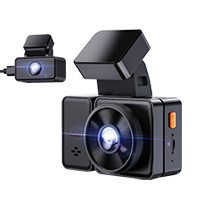
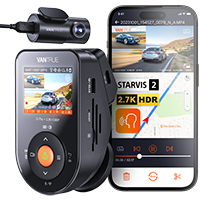
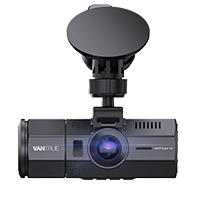
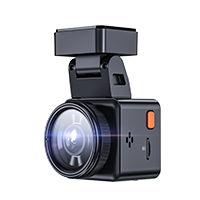
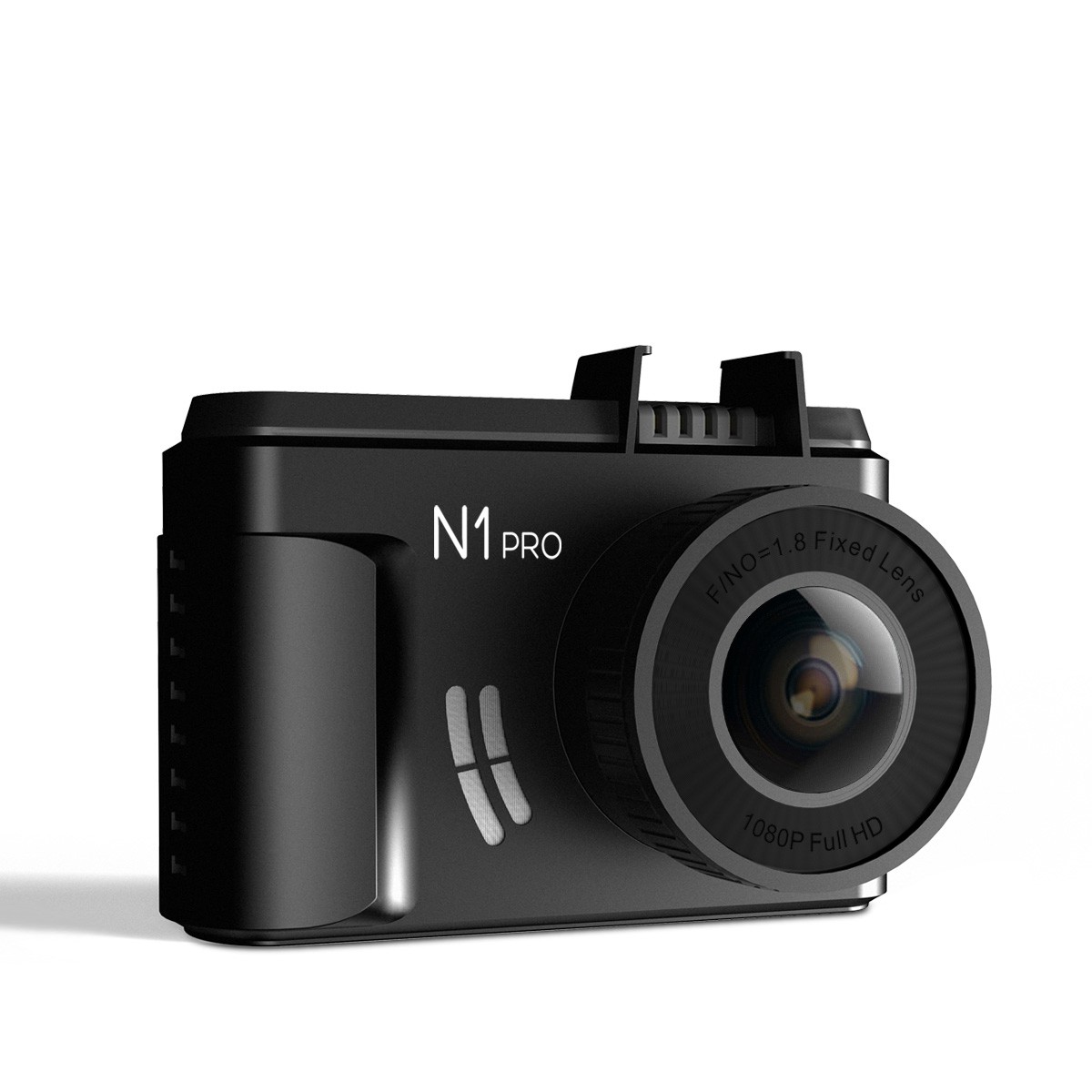
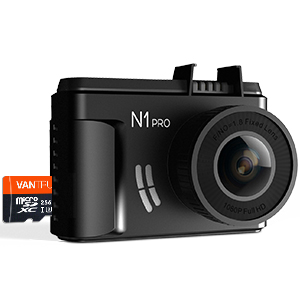
Vantrue N1 Pro (2023) Full HD 1920X1080P Mini Dash Cam

( 961 Reviews )

1.5" LCD Dashboard Camera with Sony Sensor, Night Vision, Parking Mode, G-Sensor & Loop Recording, Support up to 256GB Card

Price: $79.99

Small but powerful! The Vantrue N1 Pro captures crystal clear video in Full HD 1080P resolution at 30fps, and features better performance as well as high stability on seamless loop recording.

Safe & Secure
SSL site seal - VERIFIED & SECURED
Pay with Ease
PAYMENT.pngPAYMENT.pngPAYMENT4.png
Trusted Delivery
SSL site seal - click to verify

N1 Pro Mini Dash Cam

Vantrue N1 Pro Mini 1080P Full HD Car Dash Cam

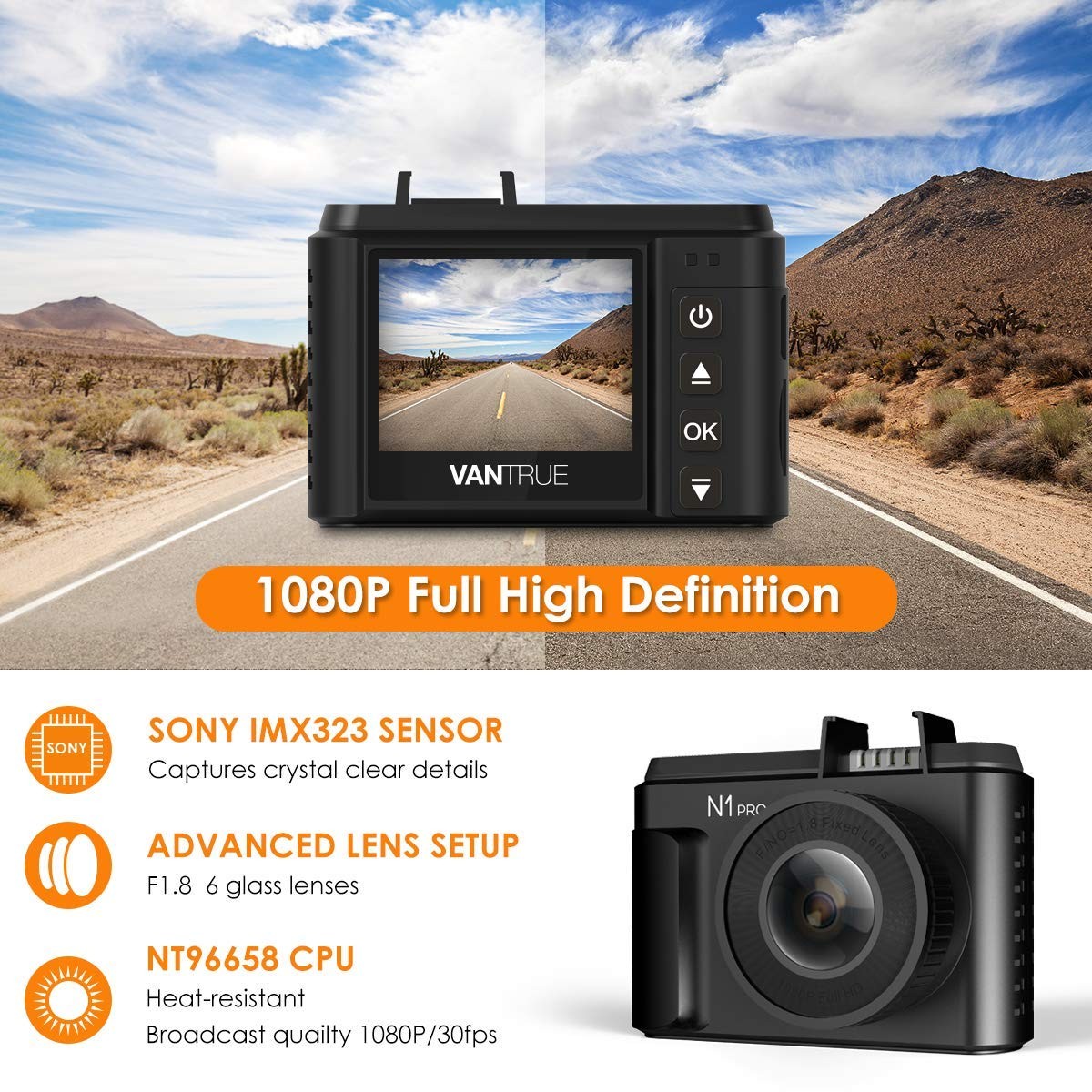
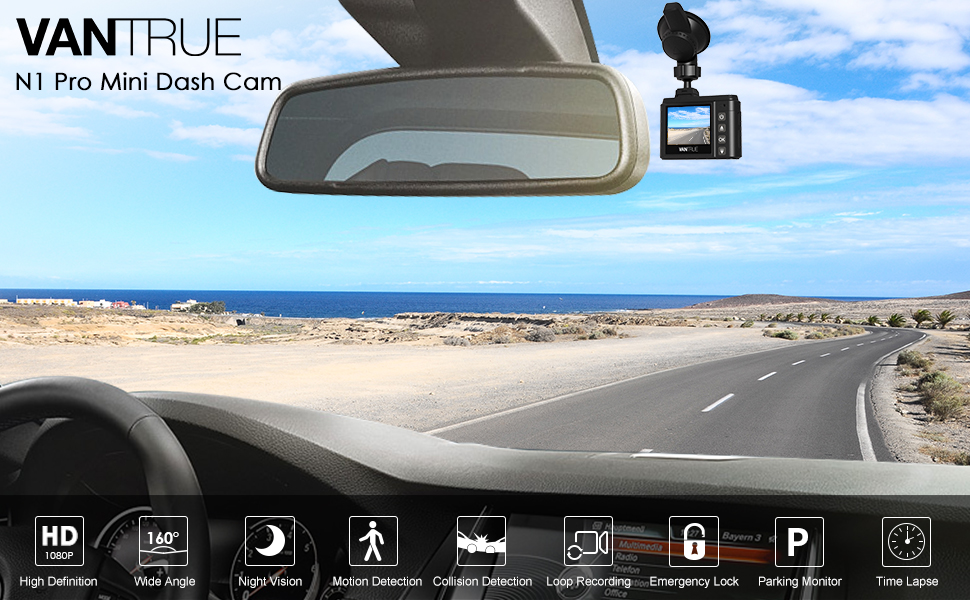
Small but powerful! Based on Sony IMX323 image sensor and a 6-layer optical glass lens with F1.8 Aperture, the Vantrue N1 Pro captures crystal clear video in Full HD 1080P resolution at 30fps, and features better performance as well as high stability on seamless loop recording. It also comes with G-Sensor, parking monitor, motion detection and emergency collision detection, which could provide powerful evidence in case of dispute from a car accident. Keep peace of mind when driving, with the Vantrue N1 Pro dash cam.

1080P Dash Cam

Dash Cam with Night Vision

24 Hours Parking Mode

1920*1080P Full HD & 160° wide Angle

Sony IMX323 sensor  processor ensures great sharp video quality at Full-HD 1920*1080P/30fps, bringing you brighter and clearer videos, 160° wide Angle provide clearer and broader view, enables to capture all of the surroundings when driving to reduce blind spots.

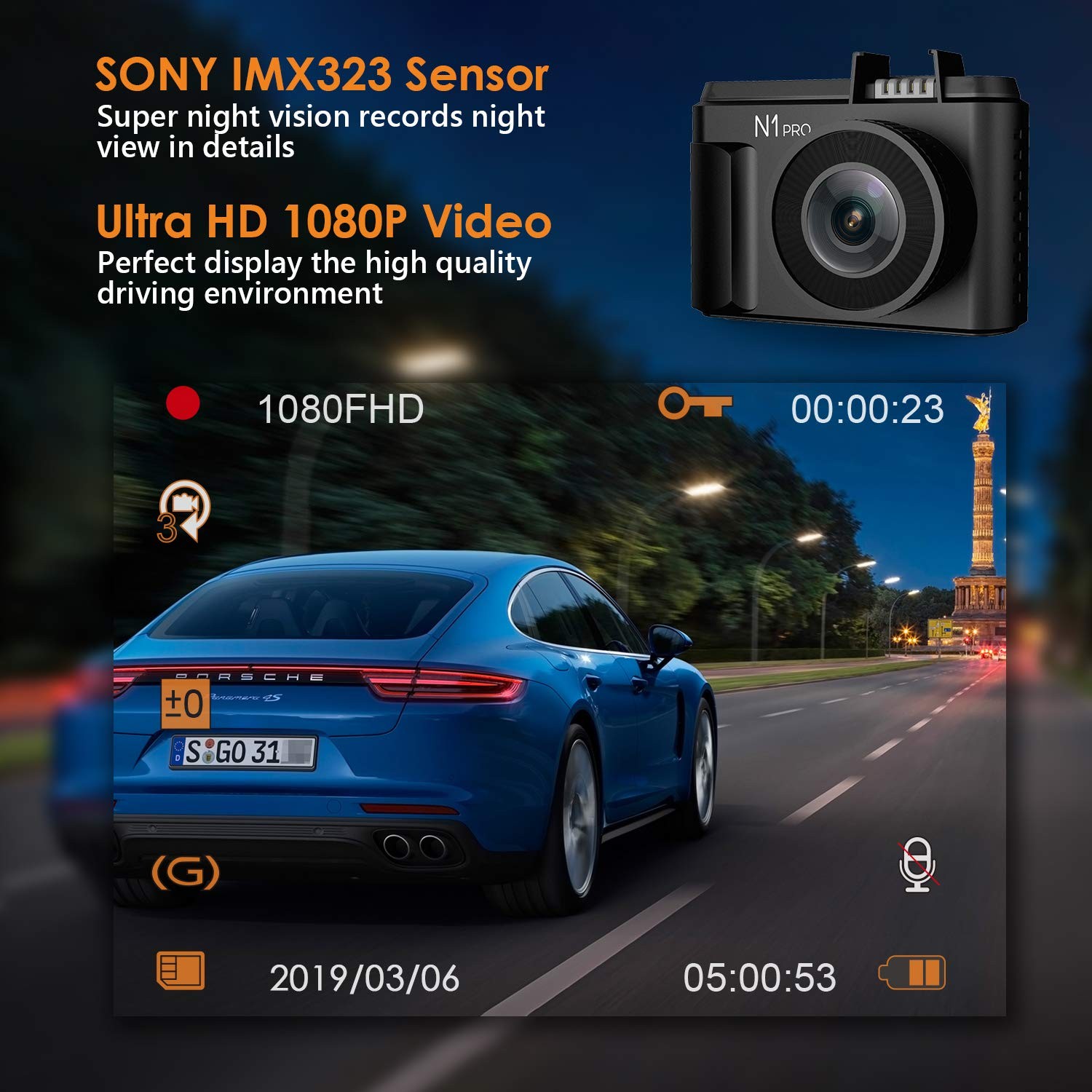
Super Night Vision

Adopting Sony IMX323, N1 pro car security camera is capable of enhancing the imaging performance in low light environments. You can clearly read number plates and other important information at night.

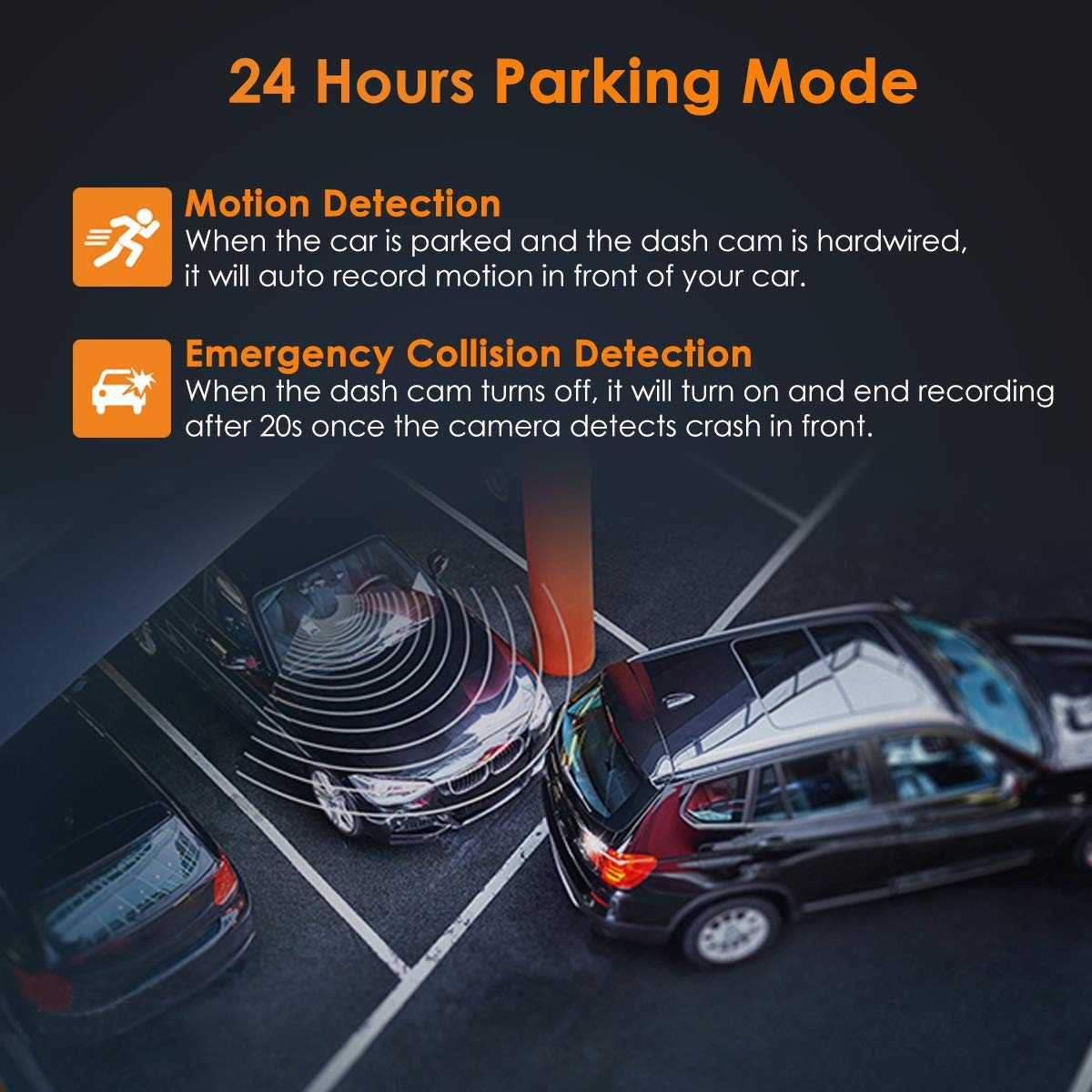
24hrs Motion Detection Parking Mode

With dash cam hardwired, the dash cam is running in standby mode and awakening to record only when motions are detected, allowing the dash cam to reduce power consumption and remain in Parking mode for a longer duration. While the low battery protection of Vantrue hardwire kit (Asin: B07G9WTWB9) avoids the car battery over draining. Please note: Extra Hardwire kit needed, not included in the box.


Loop Recording & G-Sensor


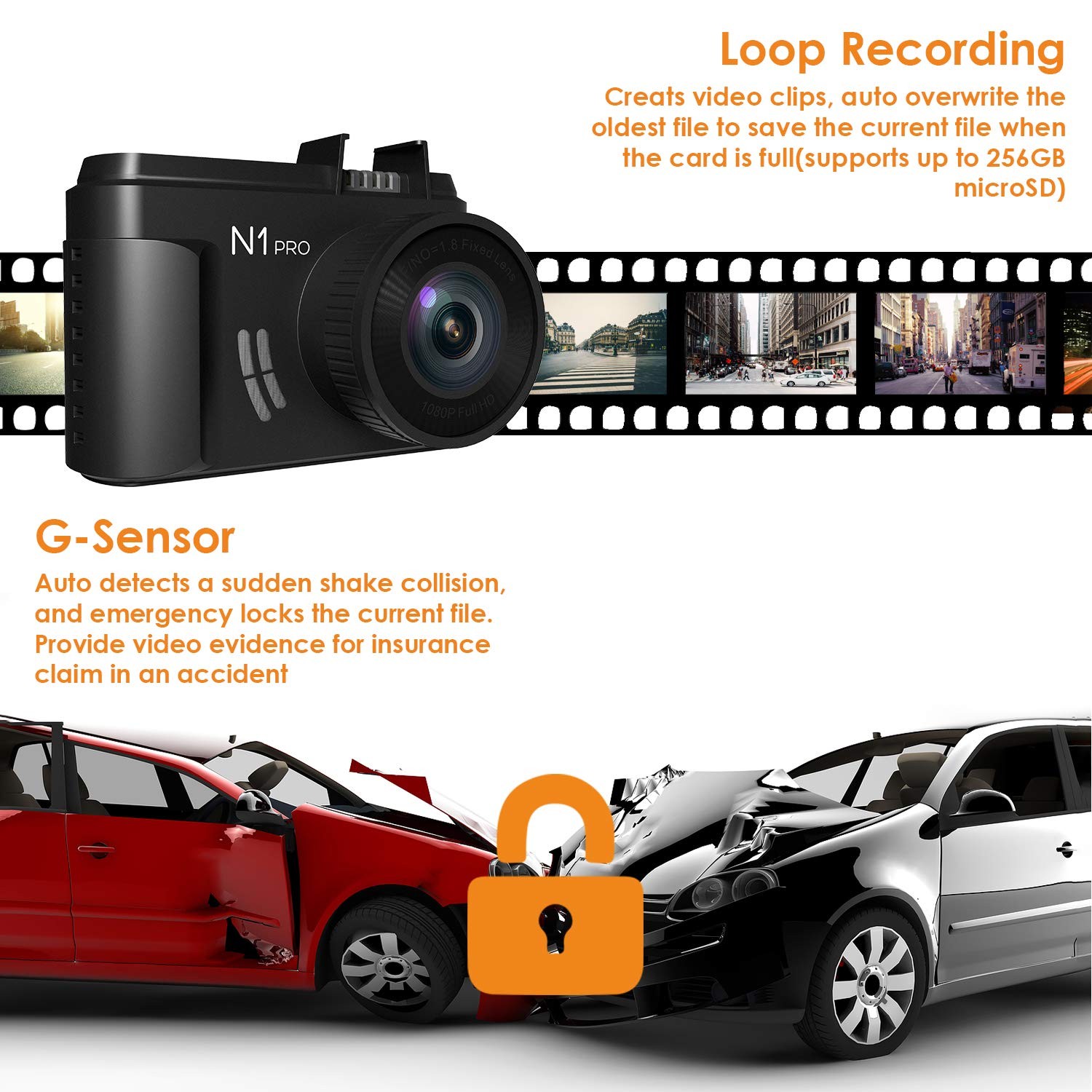
  • 24 Hours Seamless Loop Recording, create video clips, automatically overwrite the oldest file to save the current file when the memory card is full.

  • Triggered by G-Sensor,  the dashboard camera automatically detect a sudden shake/collision and lock the footage to prevent the video from being overwrote. Also supports snapshot in 2 million pixels.


Time Lapse & Auto LCD Off


  • With Time Lapse on, the camera will automatically take photos at specified intervals and edit them together to a video clip, greatly save space for your memory card.  

  • Support auto LCD off timer which enables the LCD off automatically in 3 mins after recording.


Optional GPS Function & Microphone


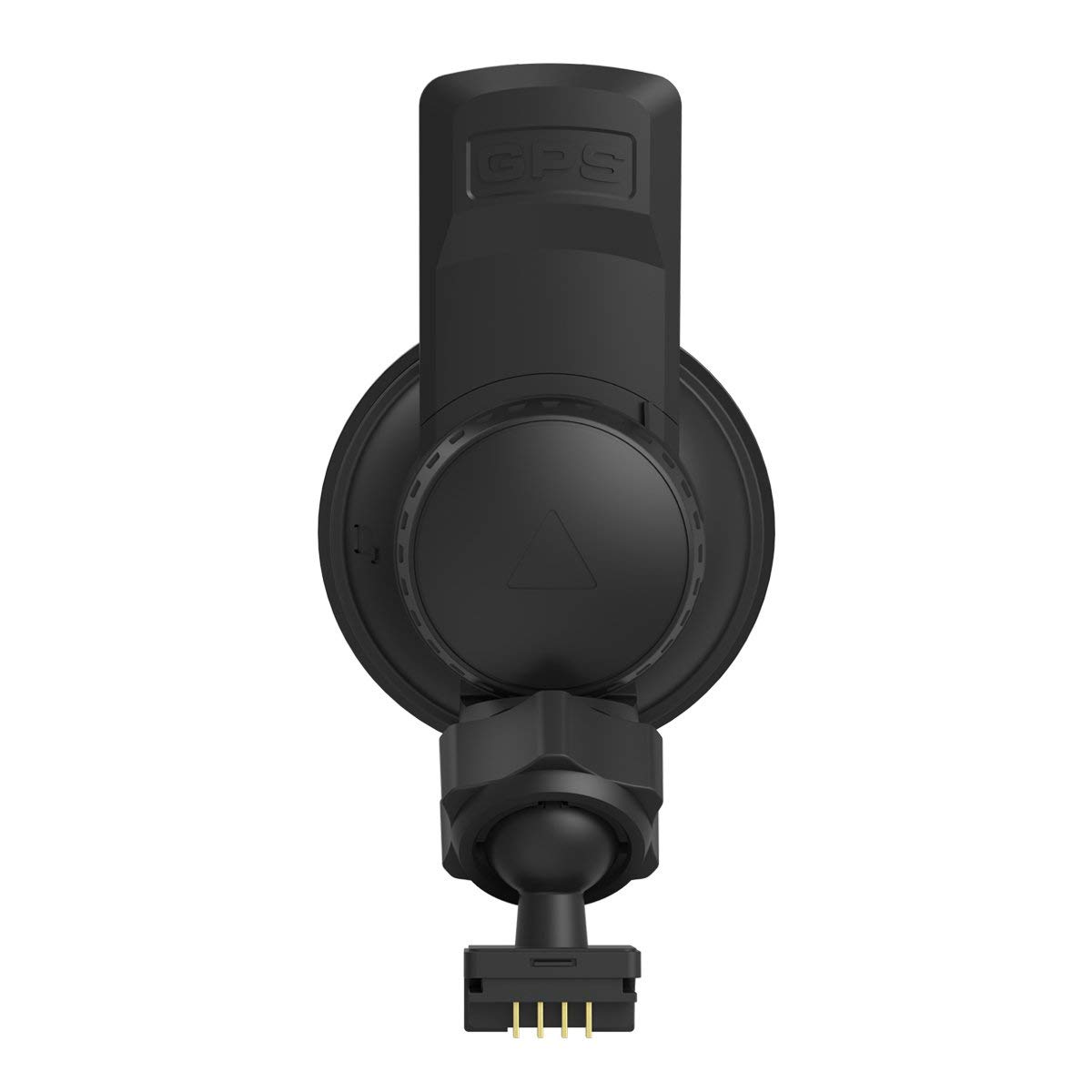
  • Optional GPS enables you to track location, direction, speed, date and  time into video clips, allowing you to track the gps information on Map  via Vantrue GPS Player.

  • To use the GPS function, please buy a GPS mount(ASIN: B07CPSBXWL)

  • Built in Mic provide excellent audio recording even in noisy environment. You can also turn it off.


Collision Detection

Heat Resistant

Dash Cam for cars

Collision Detection

Based on impact detection, when no power supply and the dash camera is off, it will auto turn on and record for 20s once it detects crash to the car. Please ensure the dash cam is full of power.

Temperature Proof

It is made of the PC and ABS materials, the working temperature is from -4℉ to 158℉ (-20℃ to 70℃). With high heat resistance and NT96658 superior chipset, the cam has longer lifetime and stable performance.

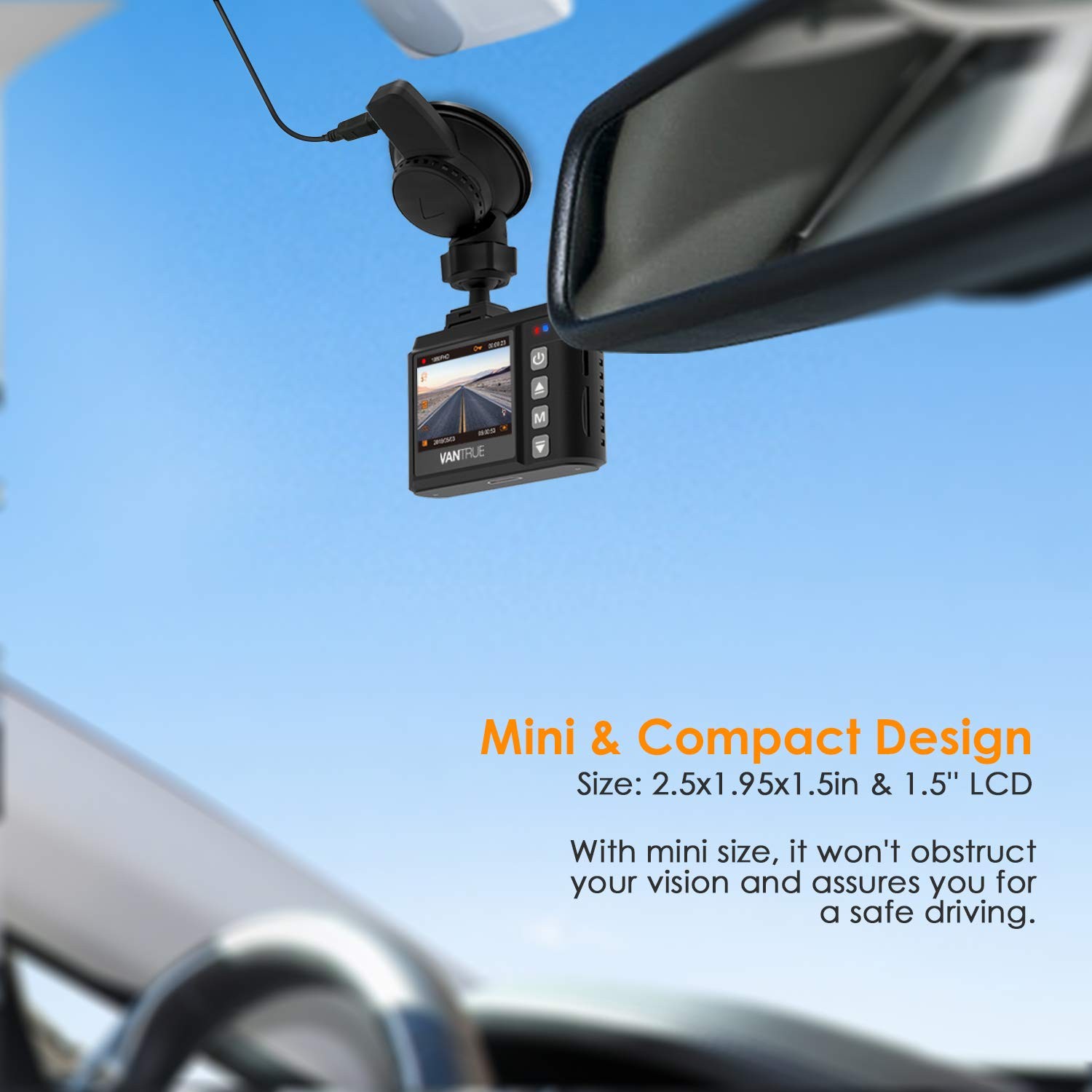
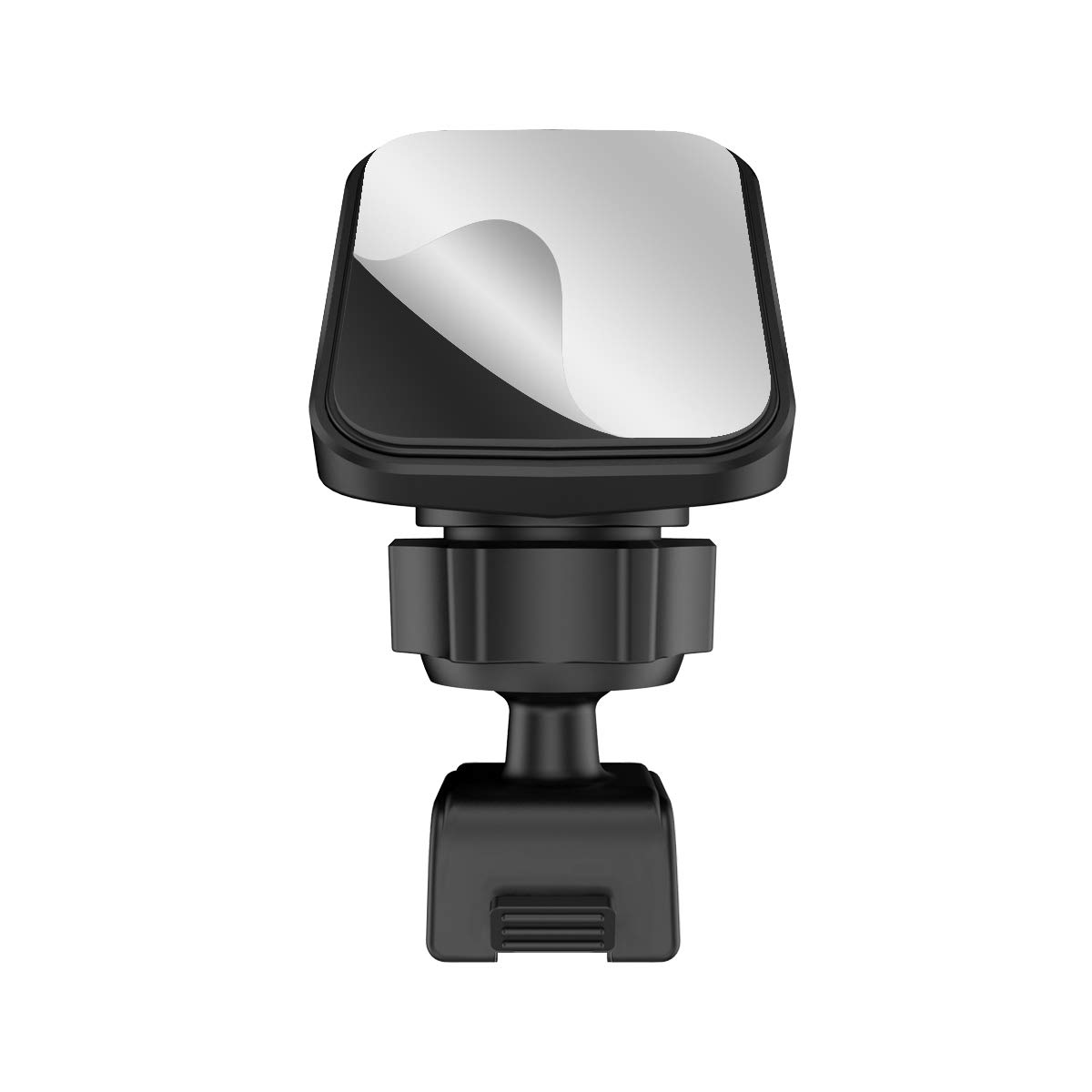
Mount on Windshield/Dashboard

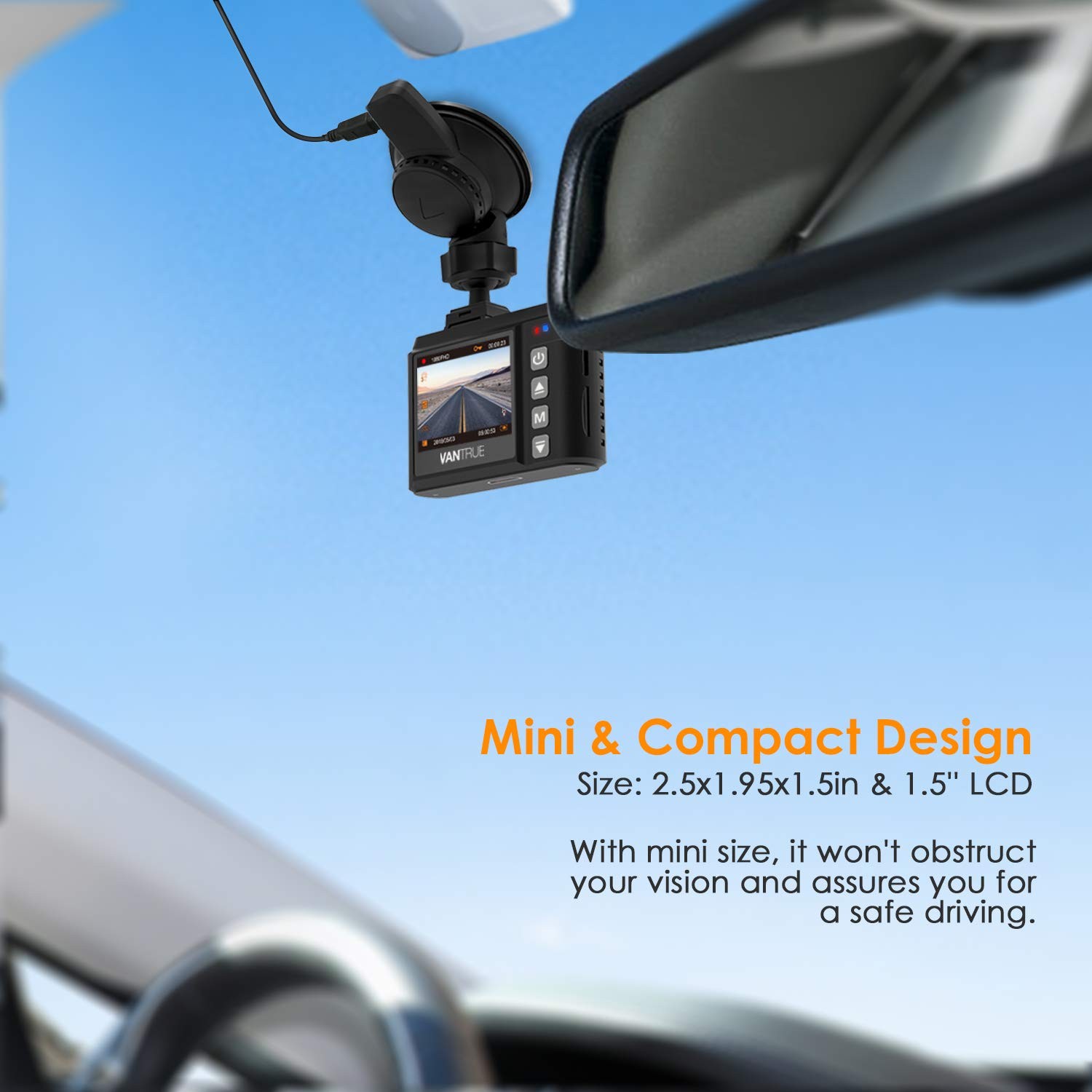
For states prohibit windshield-mounted dash cam, lcd rotate function offers you an alternative option to mount the dash cam on your dashboard and flip the video. Please buy an adhesive disc (Not included) to mount on dashboard.


Mini Dash Cam          

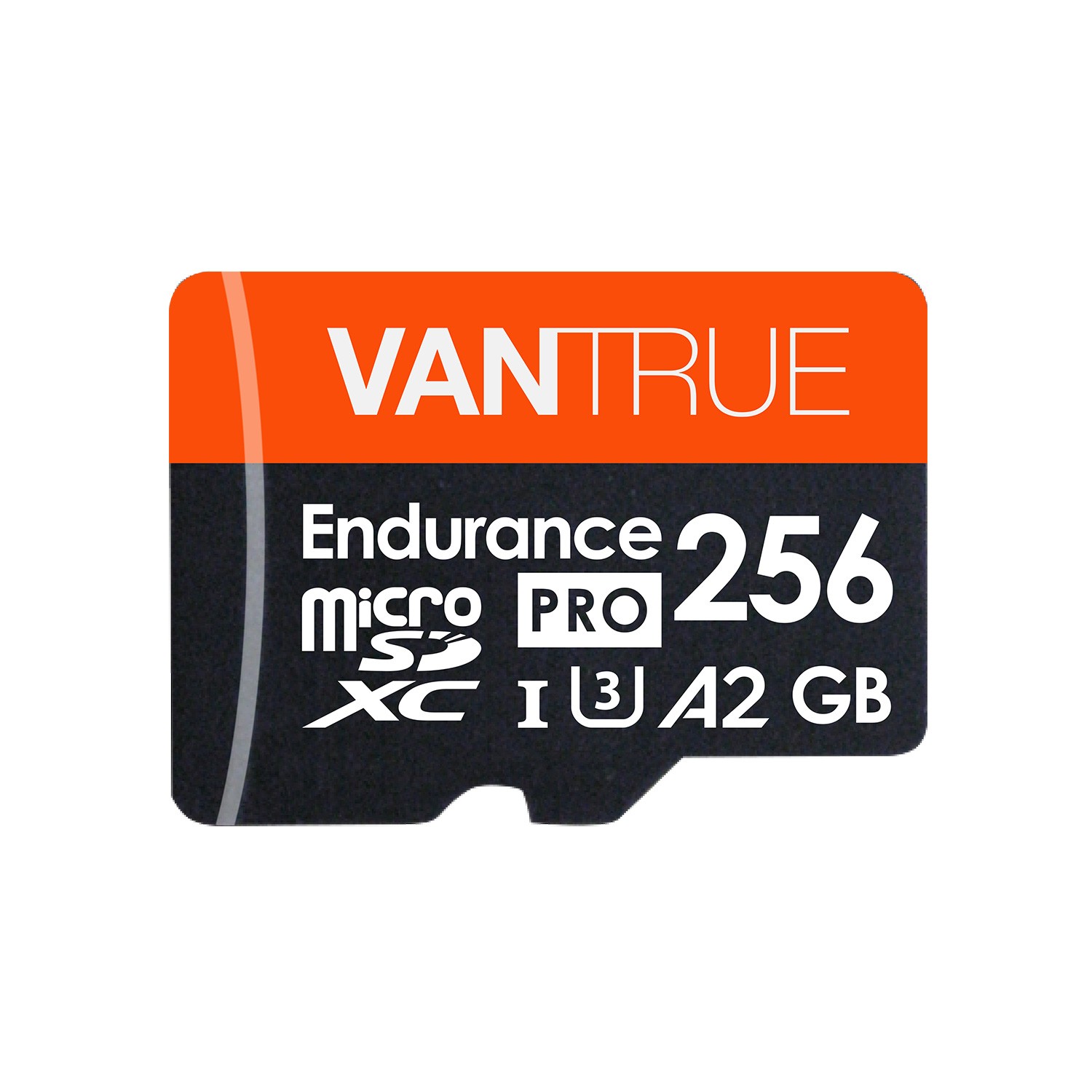
Supports up to 256GB, not included in the box

Supports up to 256GB micro sd cards for 40 hours recording time, quadruple the recording time compared to most dash cams in the market. While 32GB sd card ensures 5 hours recording time, 64GB ensures 10h recording, and 128GB allows 20 hours recording time. Recommend Vantrue Micro SD Card. Please DON'T use Sandisk Card and Transend Card.

What's in the Box?


  • 1x N1 Pro Dash Cam

  • 1x Suction Cup Mount

  • 1x 3ft Micro Type C Cable

  • 1x Car Charger with 11.5ft Type C Cable

  • 1x User Manual

  • 1x Quick Guide


Specs


Model Vantrue N1 Pro Dash Cam
Processor
Sensor Sony IMX323
Display 1.5 inch TFT LCD (16:9)
Lens 160° F/1.8 six layer glass lens
Languages English/简体中文/Deutsch/Japanese
Video H.264 compressed format; MOV; 1920x1080P/30F,1280x720P/30F
Image JPEG; 2million pixels
Audio Built-in microphone and speaker
External Memory 256GB max, Class 10 (card is not included)
USB Port USB Type C
Battery 130mAh 3.7V Polymer Li-ion battery
Working Temp. -4℉ ~ 158℉ (-20℃ ~ 70℃)
Storage Temp. 14℉ ~ 131℉ (-10℃ ~ 55℃)
PC Operation System
Windows XP/Vista/Windows 7/Windows 8/Windows 10/Mac


Support

FAQ

Will the camera auto start recording when a collision occurs if the car is off?

Thanks for your inquiry. 
Yes, there are 2 parking modes when the car is parked. 
1. After connected to hardwire kit or external battery pack, the dash cam will automatically record when things come closer to the front your car. 
2. When no power supply, the dash cam will auto turn on and record for 20s once it detects crash to the car. Please ensure battery of the dash cam is full of power. 
Hope these would help you! 

Can the screen be turned off when driving?

Thanks for your inquiry. 
Yes, you can turn the screen off. 
Please select the time among 30 Secs, 1Mins and 3 Mins, or turn it OFF to disable it. 

Reviews

( 961 Reviews )

4.5/5.0

Mc Curry
As the First.. it hard to get it work after talk assistant about issued thing and did not work it out and i figure it out for two days and i got it work it work great and got format it.. when u get this slot the SD in and hold power more than 10 to 20 sec and let it go and u will see orange background screen setting my 256gb sd have a amazing graphic video record.. i would buy second for next big one
Robert Ruehs
Short and to the point wrap up : Great little dash cam. Not complicated at all to set up or use. Video quality is great, night or day. Records audio and easy to mute. Also easy to adjust the angle with a twist. Sucktion cup as a good tight hold, I will update if I ever have a problem with it but I don't feel I will. Long cable should I want to hide it along the windshield and door, floor etc to make it very "stealth". Full Review : I've been on the fence about getting a dash cam for years now. While I live in a state that does not have any crazy insurance problems or discounts for owning a dash camera I still wanted one. You see more and more videos online about accidents or someone witness something with a dash cam and I can't help but feel if I was in a situation like that I'd like one too. Call it peace of mind or just the fact I can say "It wasn't my fault!" and have actual proof! That for me, was the biggest pro for getting a dash cam, proof. Dash cams are becoming more and more common and there are more and more on the market every month it seems. Eventually I decieded I should dip my toes in and finally test one out. This device is one of those set it and forget it ones. You set it up, check the footage after a drive and don't have to fuss with it again. I'd recommond getting day and night in there before you check the video. Now for the actual product, which has been great. It comes in a nice little box with some foam padding around the camera to ensure any shipping bumps, drops and crushes don't damage the camera. The intrustions are simple and clear and come seperate from the full manuel to help get you started faster. I was actually surprised it came with two cables. One for the car with the old "cigarette lighter" plug port and a shorter one for plugging the camera into a PC should you want to grab video straight from the camera itself and not have to remove the microSD. Which for some might be very handy since microSD are TINY! As I said it had two cables where I expected only the one for the car, nice. Also surprised that the plug for the car has a little slidable piece and hides a USB port! So if you did have something plugged in there already and it happens to be USB you can use this for a pass through. The cable as you might expect is very long, not sure I even need half of it but I'm sure someone who wants to really hide their cam has plenty of cord to work with. The camera itself looks just the part, like a really mini DSLR almost. The lens is pretty big and extends out of the camera but not so much as to make it bulky. I appreciate the addition of the 1.5inch LCD on the back which makes getting into the settings easy. Some cameras that I had looked at needed to set up on the PC or via phone app, I don't like that. I prefer settings to be "on device" should I need to adjust, adress or otherwise need them quickly. I do recommend at least an 8GB microSD card as setting the video's to 1 minute loops has each one come in just about 110MB which is over 100 videos. However if you wanted to have a longer loop, say five minutes, that would be 500MB for each and will only give you about sixteen videos before it starts to loop. I would say keep it to 1 minue or three at most if you are using 8GB. Smaller cards I wouldn't go over one or even recommend to use it as you will be loppint over video quickly and if you "protect" some you might be unable to record more until you save those to another source. The video is clear and would record any accident you would have in front of your car. This should be more then enough for any insurace claims or court case to prove your side of the story. At night license plates are hard or impossible to read but I won't dock a star from the camera because I feel this is not important. Given most people don't have a dash cam, any kind of recorded footage is a big bonus. Finals notes : The timestamp on the bottom gives you date and time, as well as your license plate # (I left that blank for this review as my videos are public) and speed if you have the GPS attachment/upgrade. (I do not at this time have that). In the video I have the settings to default, 0 exposure, 1080P/30 and audio off. In the picture, I did not yet choose where I want to have the cam and I was moving and adjusting it for this review, that is why you see the USB cord hanging down from my rear mirror. I did not do anything with it as of writing this review.
Lance Lavery
People in my town run red lights! Everyday I notice people cruising through the red lights on their phones etc, and I want to be covered in an accident...I ended up choosing the Vantrue N1 Pro Mini Dash Cam because of its size. I already have a Honda Sensing in my car for accident avoidance, so I needed a camera that would fit along side the builtin camera and sensors while still not blocking my view. The size of this camera was perfect. It fits nicely behind my rear view mirror without blocking any forward vision.When inserting the SD card in the camera, the manual is wrong, the card bottom with the gold strips should face the LCD screen. In the manual it shows the card label facing the LCD, which is wrong. A few of the other functions could be better documented, but it is not anything major. Simply playing with the camera will allow you to figure out the delay settings, etc..Overall the camera quality is excellent. I am able to easily read licence plates and signs during playback.. Because of my camera placement I cannot easily access the snapshot button to capture pictures while I'm on the move, but this because of my mounting choice.A few days after getting the camera i purchased the GPS mount. This adds just enough information, like SPEED, Time/Date and GPS coordinates to the video to easily capture what and where anything caught on video happened. You can see that in my screen captures. Yes I realize now I was speeding just a bit...LOLOverall.. I find the camera quality to be exactly as advertised, the menu is easy to use and the size is just the perfect fit for my already crowded windshield.
Maria G.
We’ve been using the camera for about 2-3 weeks now, and are quite impressed with it so far. When we googled around looking to see what reviews and ratings were posted, this one popped up on our search and was well recommended, and so with that and the price that we got it for, we decided to take the plunge and put it to the test. There's a few cons that we found, but nothing that can't be overlooked, especially when comparing it to other cameras on the market!Pros:- Fairly compact- Mounts securely and is fully adjustable- With the exception of the mini sd card formatting, it' pretty much plug and play deal unless you want to customize settings with exceptional- Came with quick start guide which is bonus- Minimal controls and buttons (so less confusion while on the go)- Really wide view so you can see traffic on right and left lanes at same time- Resolution is pretty good, and you can clearly see license plate of the car in front of you. If 4 car lengths ahead however, you can’t make out the license plate, but everything else is clear- There is a button on top of the camera, that's easy to reach, allowing you to take a quick snapshot- Camera continues to record for period of time after the car is shut off,- Has a g sensor designed to activate during collisions or events. These videos/images and can’t be recorded over after, as they're saved in separate folder (apart from the regular recordings). This is good so that you can be sure that the data is safe, but bad in that you have to manually delete these.- Option of having audio on and off easily- Option of pausing recording (in case you don't want something to be recorded), and this will start recording as usual again (automatically) when the car is restartedCons:- The plug that connects into camera by mount should be on right side (passenger side) and not left as we'd prefer to not run the cord on the driver's side.. .. .. but this would be a plus for non-us drivers- Cord is of generous length, but for mid-size and some larger vehicles, it would be a stretch to run this along perimeter and of the car and to the receptacle- Formatting card is difficult at first, as you can't format the card with the camera, and we learned the hard way (after taking off on a trip that we really wanted to use the camera on), that Windows 10 doesn't format the card to FAT32 either. After searching on the internet, we had to download a (free) program, so that the card could be properly formatted. Worked like a charm after, but we were a bit annoyed at first. Additionally, the quick start guide didn't mention that we couldn't format the card in the device (or at least we didn't see this in there), so we had to wait until we got back from the trip to read the bigger manual, as we didn't take that with us on vacation either!Instruction booklet although comprehensive, print was tiny- It would be nice if we could charge battery longer, so that we can use the camera without it being plugged in- Would be nice if this had a rear view, but I think that's available in a later version- The camera ball mount allows you to adjust and screw to tighten the camera, but even if it's at its tightest, and you push the button to take a still image, but easily loosens
birdy061
Bought as a gift for daughter. She is delighted with it, said videos are very sharp and clear. She loves it. This is the third dashcam i have purchased, the second from Vantrue. Only a repeat buyer because X1 works so well. First one from different supplier, absolutely no product support. Vantrue is great in this area, also. Vantrue is great to buy from as they ship very fast, have a great product and great support!
See all reviews >