Tax-Free* | 18-Month Warranty | 30 Day Returns Guaranteed.

cad software

Quick Link

Suggestions

Products related to this item

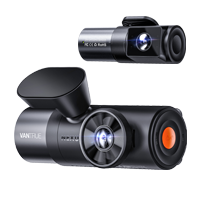
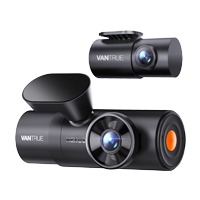
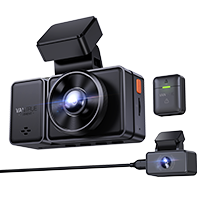
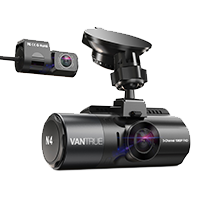
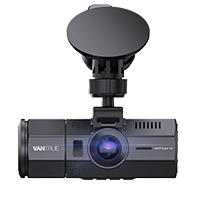
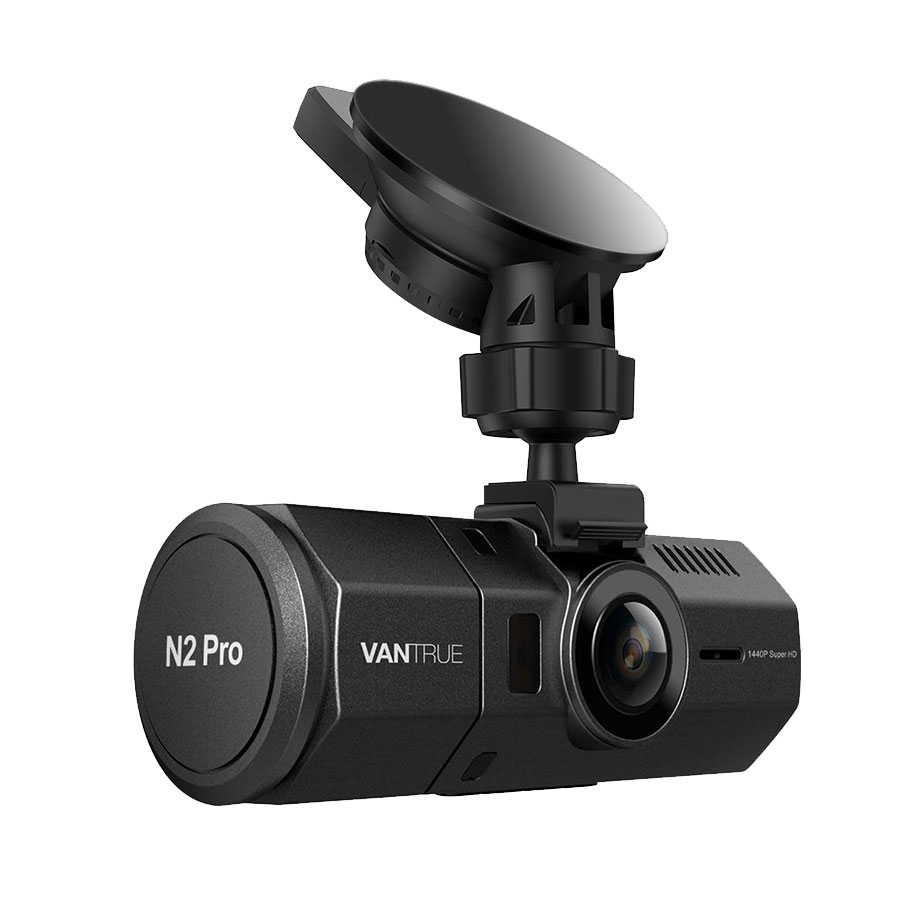
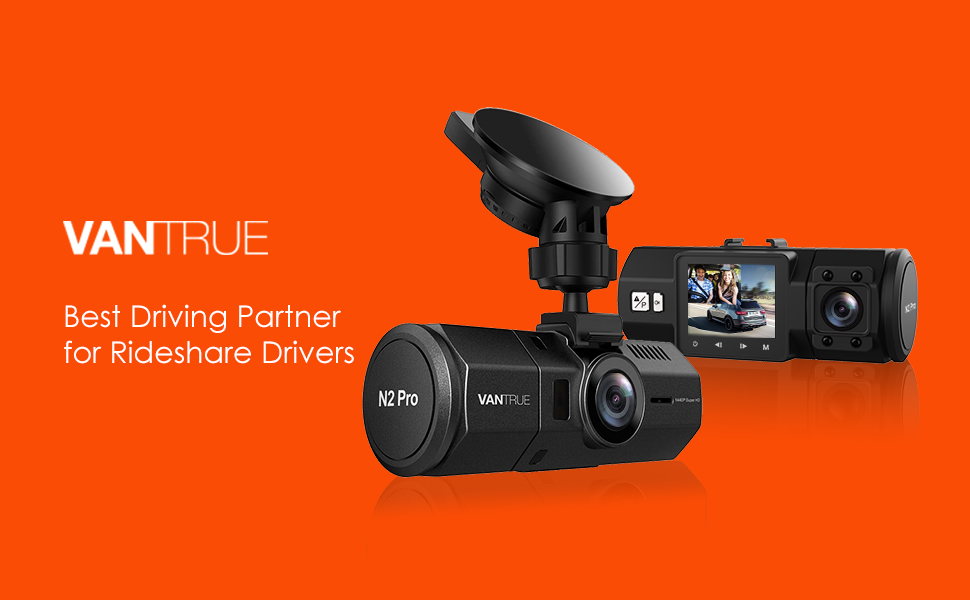
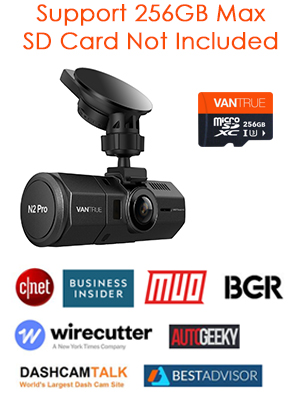
Vantrue N2 Pro Dual 1080P Dash Cam

( 3840 Reviews )

The FIRST 1440P + dual 1080P dash cam on the market.

Save $40 with code VANN2P at checkout.
Price: $169.99

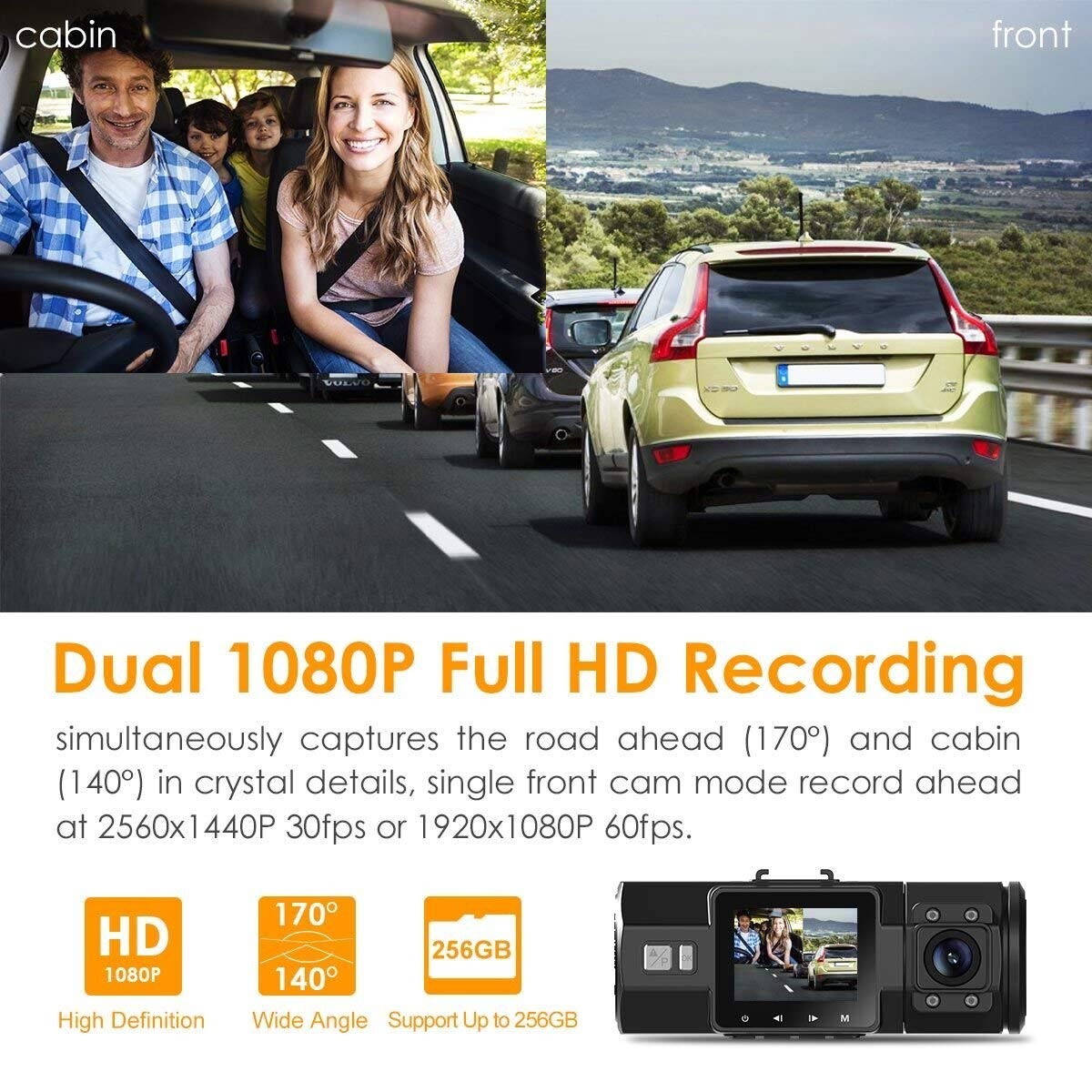
The FIRST DUAL 1080P dash cam on the market: Based on the powerful NT96660 CPU, advanced Sony Exmor IMX323 (rear cam) and OV4689 (front cam) image sensor, the N2 Pro simultaneously captures the road ahead (170°) and cabin (140°) at 1080P@30fps

Quantity
Safe & Secure
SSL site seal - VERIFIED & SECURED
Pay with Ease
PAYMENT.pngPAYMENT.pngPAYMENT4.png
Trusted Delivery
SSL site seal - click to verify
Dual dash cam

Why Choose Vantrue N2 Pro High End Dash Cam? Our Advantages:

  • Best dash cam pick by Wirecutter, Business Insider, CNET, BGR, Forbes, Dashcamtalk, Rideshare Central, Therideshareguy, Uberpeople etc.
  • The most popular and widely spread uber dash cam for rideshare and taxi drivers in the market
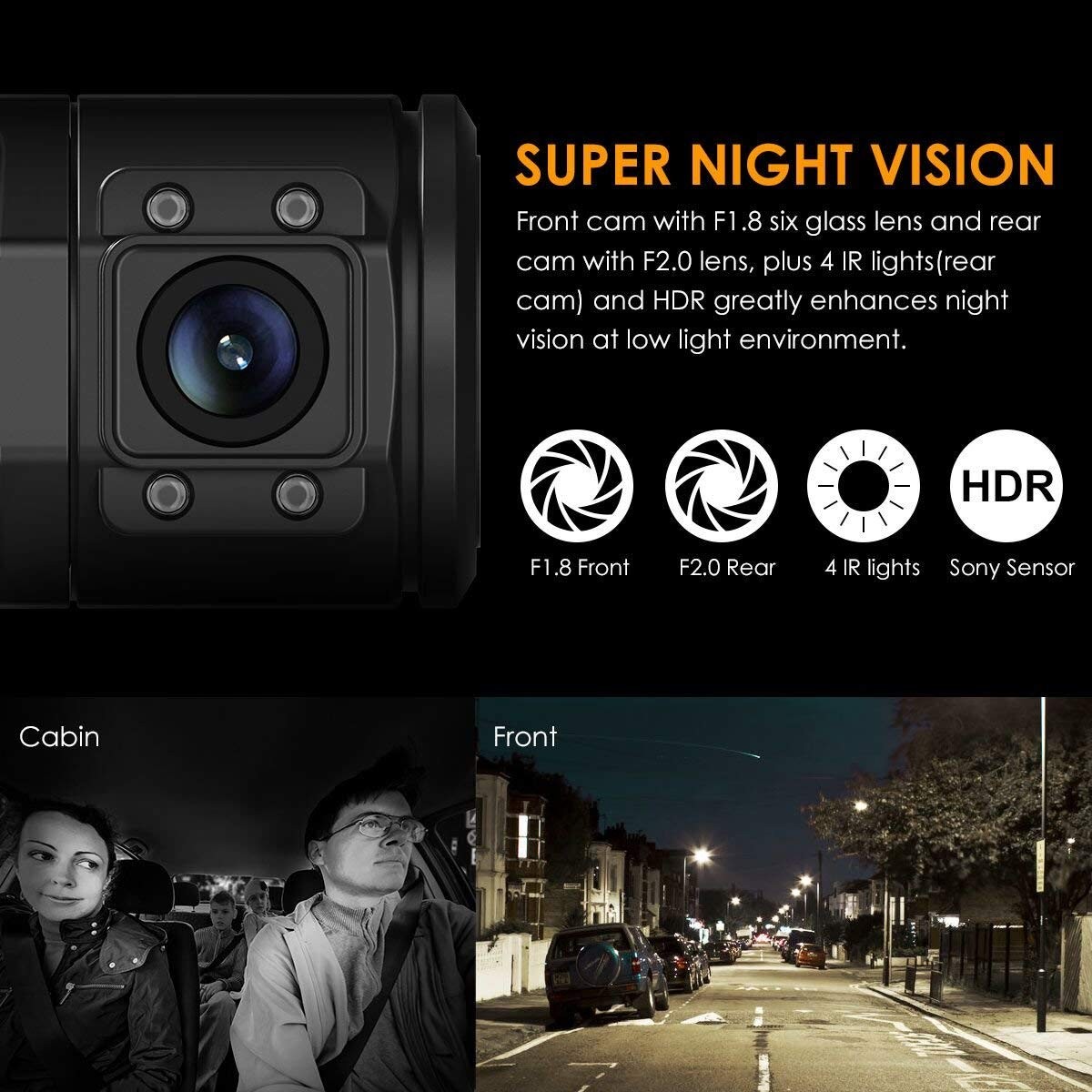
  • Reliable: Stable performance thanks to advanced processor, powerful Sony Starvis CMOS, 4 infrared LEDs and other features, longer lifespan high end dash cam than other cheaper dash cams.
  • Higher Resolution: Unlike typical dash cams that utilize Sony sensors for both cameras, the N2 Pro uses a better OV4689 sensor for its front camera to ensure the best visibility, so in addition to dual 1080P recording, it also comes with 2.5K 2560x1440P@30fps or 1920x1080P@60fps single front recording, which is the best image quality dual dash cam in the market.
  • Better Night Vision: The main part of this camera that stands out from the competition is the infrared night vision provided on the interior camera pointed at passengers. While other cameras claim to have night vision, but the Vantrue N2 Pro can provide clear footage even with no lighting.
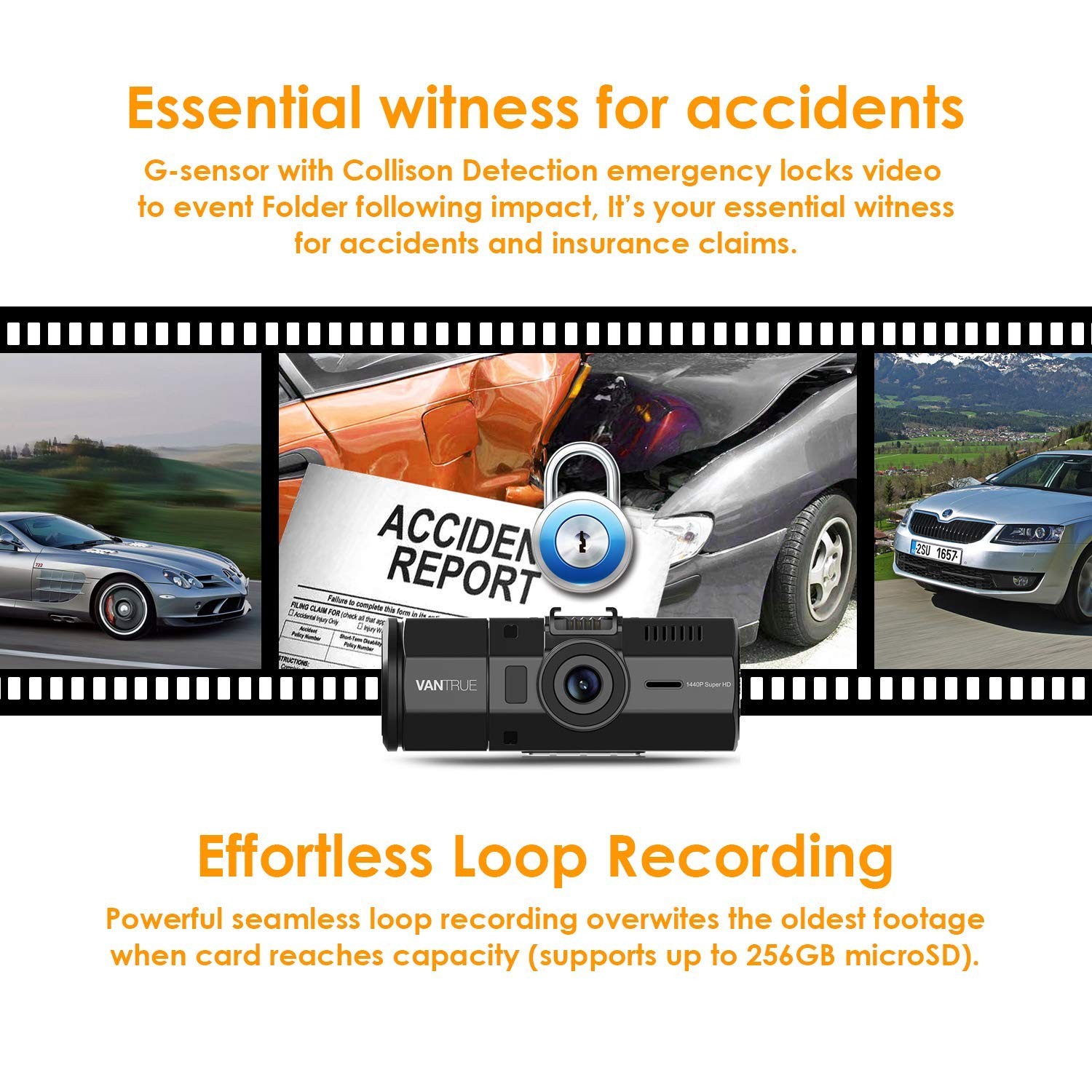
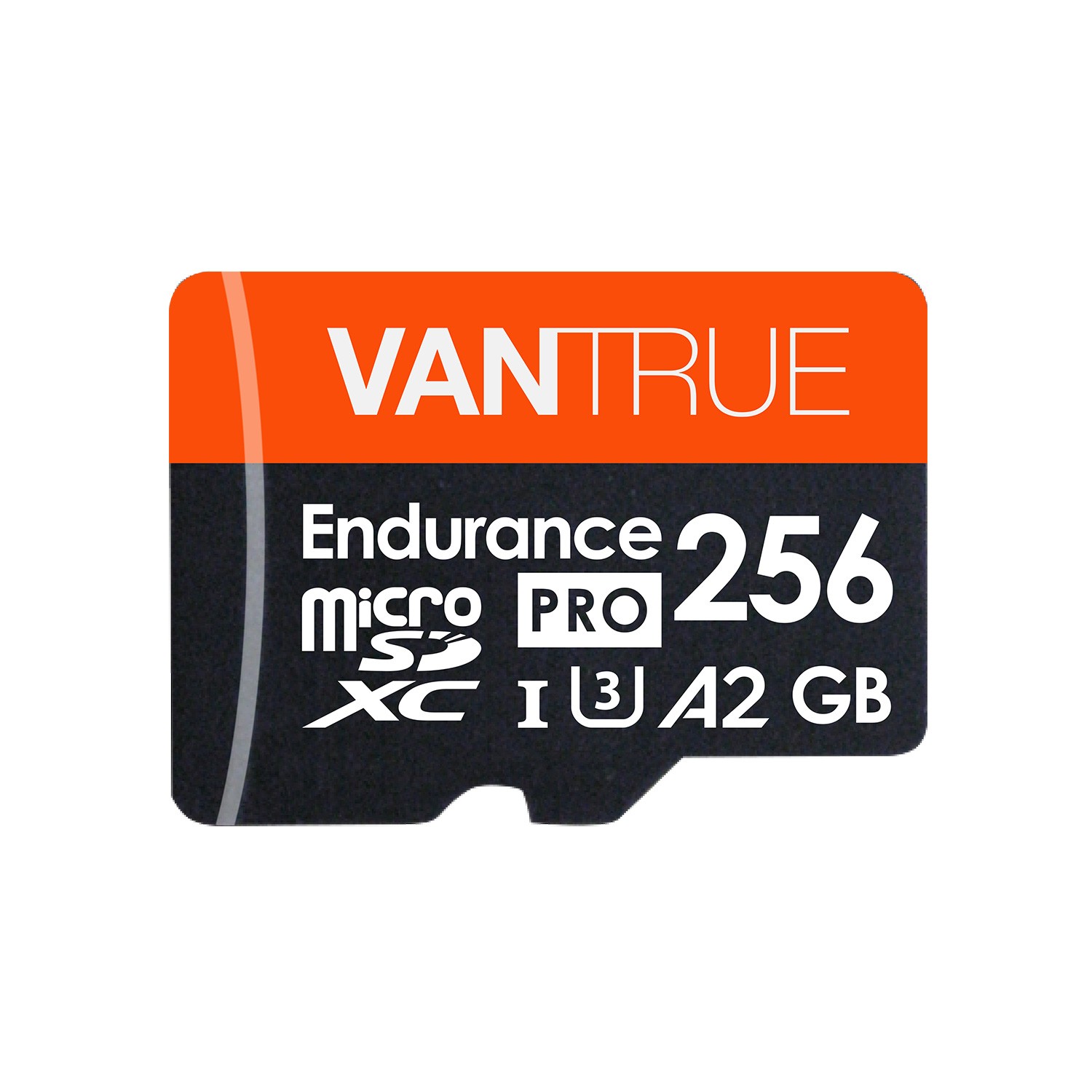
  • Larger memory capacity: Supports external memory capacity up to 256GB to meet your need of long time recording, while the other dash cams in the market are usually 32GB.

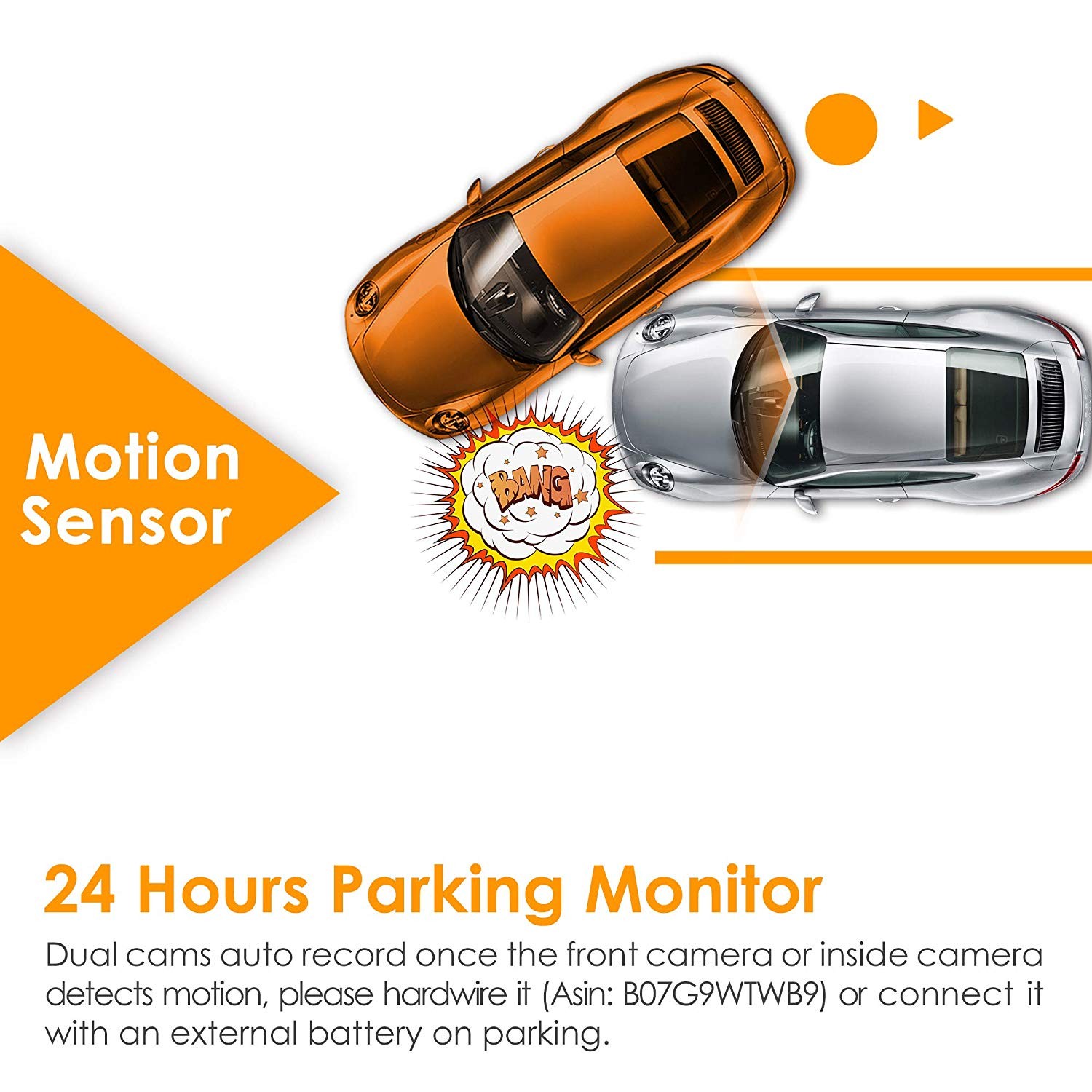
  • Advanced Parking Mode: Both cameras auto record once the front or inside camera detect movement, which ensures nearly 360° protection when you leave your vehicle unattended, while most dual cameras can only detect movement in front.
  • Regular firmware updates to ensure improved features and functionality for maximum quality. You can always improve the performance of your N2 Pro and see the benefits of the numerous new features and functions with latest firmware update.
  • Strict quality control and have a professional QC team, with CE, FCC & RoHS certificated.

Specs

Model OnDash N2 Pro
Sensor Front Cam Sensor: OV4689 Rear Cam Sensor: Sony IMX323
Display 1.5 inch TFT LCD monitor (4:3)
Lens Front: 170 degree wide viewing angle and full 6 layer glass lens with wide aperture of F/2.0. Rear: 140 degree wide viewing angle and full 6 layer glass lens with wide aperture of F/2.0.
Languages English/简体中文/Deutsch/Japanese
Video H.264 compressed format;
Dual mode: 1920X1080P+1920X1080P; 1280x720P+1280x720P
Single Front Cam mode: 2560X1440P30
Image JPEG; 16M
Audio Built-in microphone and speaker
Memorizer Internal memory: 4M External: SDHC (8-256GB, micro SD card of Class 10, FAT32)
Shutter   Electronic shutter
USB Port USB C
Battery 250mAh 3.7V Polymer Li-ion battery
Working Temp. -4 – 158 deg. Fahrenheit, -20-70 deg. Celsius
Storage Temp. -20 – 140 deg. Fahrenheit, -30 - 60 deg. Celsius

PC Operation System

Windows XP/Vista/Windows 7/Windows 8/Windows 10/Mac

Support

FAQ

How to upgrade the firmware?

Dear Customer,


Please follow the Steps below to upgrade your device:


1.     Download the firmware file (http://vantrue.net/Support/detail/id/47.html) to your PC;

2.     Format you microSD card on the camera, and then connect the camera to the computer through the USB port on the camera. Copy the firmware file (in .bin format) to the microSD card, then unplug the camera from the computer and turn it off;

Note: the firmware file (in .bin format) could not be recognized by computer, it could just be recognized by the dash cam, so don’t try to open it on PC, just copy it to the card.


3.     Plug the camera to a power charger (not computer), or press the power button;

4.     Then the camera will auto upgrade, and it will take about 30 secs to 1 min, during this time, the camera will not turn on and will not respond to any button or operation;

5.     Once the dash cam upgraded successfully, it will turn on and work.

6.     Please have a check the version of your device now (go to the System Setup menu and turn to the Version) and see if it is VTN2Pro8F.V21_IQ. If it is, then the camera has been upgraded successfully.

7.     Format the microSD card when the update has been completed, or the camera will upgrade itself everytime when it detects the firmware file in the card.


Update Note:

Fixed the bug of rear camera’s voice recording when loop recording is off.


Thank you! 


Any question, please contact us at support@vantrue.net.


Best regards, 


Vantrue Team


What is the latest firmware version for N2 Pro?

VTN2P0I.V41

Related Video Shorts

Vantrue X1 Instructions - how to delete a video?

From vantrue

Vantrue X1 Instructions - how to delete a video?

From vantrue

Vantrue X1 Instructions - how to delete a video?

From vantrue

Vantrue X1 Instructions - how to delete a video?

From vantrue

Reviews

( 3840 Reviews )

4.5/5.0

Josh
Awesome product so far.
Mike
This is regarding the Vantrue N2 Pro.I drive for two ride share companies. Since I started this endeavor I have had a few close calls on the road simply because my time on the road has multiplied ten-fold compared to before I started driving professionally. It soon became clear that a camera would be a, potentially, invaluable investment should an accident occur and proof of fault might come into question. Also, since perfect strangers are entering my car, having video evidence here may too, be a high value notion.I tried two popular cameras and just found them lacking for one reason or another. I found that “extras” such as collision warning or lane departure warnings are just a waste of time. The only way you will get reliable functions like that is to invest in a premium system designed just for that or buy a new car.Immediately after receiving the camera, I encountered a passenger who was …questionable. The upshot is he was giving me a lot of money to do next to nothing. I thought he may be high so I saved the files and kept them on my computer should he challenge the fact that he was trying to give me a lot of money (after a fashion, I refused anymore money).The videos were bright and crisp even though it was a dark a cloudy morning and the audio was superb (as he talked at a low volume). Nothing ever came of the incident but I was glad I had the proof that I was, in no way, trying to trick him or steal from him or any other nasty potential scenarios.From the vehicle perspective, the videos are great. I know next to nothing about resolution and all the video tech specs. All I can say is the videos are nice and wide, capturing much more action in front of you than I thought was possible. License plate numbers are easily read.I’m glad I didn’t take the first one that came along. The Vantrue N2 Pro is everything I need. The mounting system is top notch and the device is small enough to pocket. Very pleased with this product.
Edgar C.
Last month a car crashed against a police car right in front of me. I was excited I finally captured something on video! - or so I thought. The camera was not recording. I noticed the memory was full.Yesterday someone crashed against me and yet again, the camera was not recording, this time with 50% memory left on the SD card.This product simply does not work. It records whenever it wants to.
J. Lucas
I bought this as an early Christmas present for myself after researching way too many others. I took it on a family road trip from Atlanta, GA to Chicago, IL just after Christmas to gather some footage and see if I capture anything interesting along the trip.SD Card: Contrary to many others - I didn't have any issues with the SD card I chose to use (Samsung 64GB 100MB/s (U3) MicroSDXC EVO Select Memory Card with Adapter (MB-ME64GA/AM)) - although I DID have to format the card IN the camera for it to work properly. Formatting on my computer wasn't 'enough'.Camera Mount: The mount worked great in super cold weather (it was -7°F in Chicago) - never came off the windshield and the camera was held firmly in place for the duration of the 10 day trip.Power Cable: The power cable (lighter mount) and built in USB port both worked as expected. I tucked the cable into the front edge of the headliner where it meets the windshield and ran it down the passenger's side A pillar and across the lower part of the dash as this was a temporary situation for the purpose of our trip.Set Up: The instructions are mediocre, at best, and it took a bit of trial and error to get most of the settings correct. I had no trouble with the date and time setting - but some other settings are not as clear and require a bit of experimentation to figure them out. I turned off the sound and disabled the 'interior' camera so that I could get the highest possible resolution out of the front facing camera.Dash Cam Use: One very big appeal to me is that the overall unit is VERY small. The screen is tiny and the whole unit was visually concealed when mounted just to the right of the rear view mirror - I couldn't see it at all. Again, we drove from Atlanta, GA to Chicago, IL over 2 days and then 4 days later, we drove back at the same pace. I captured 4 days of travel on this camera with random saves of clips along the way under different conditions, lighting and times of day.Here are my observations from 24 hours of footage:1. The picture, while clear, leans heavily on the BLUE tones - the sky was clear and the sun was out for the duration of the driving and everything is VERY blue. Perhaps the blue sky and white snow had something to do with it but I also took short video on my phone and had none of the 'blue' effect that was captured with the dash cam.2. I have watched nearly all of the footage and I cannot read the plates of the vehicles directly in front of us - in many cases, I can't even distinguish the state of issue, let alone the numbers. In contrast, I have a Google Pixel phone and have used it as a dash cam for short trips (15-20 minutes) and even in direct sunlight, I can very clearly read the plates of the cars in front of me, next to me, etc.3. The G Shock sensor is extremely sensitive. I left it on the default of "Medium" sensitivity and this resulted in the automatic capture of over 30 five minute clips due to pot holes, bumps and other road irregularities. I intentionally saved 3 clips by pressing the specified button and couldn't distinguish between my saves and those autosaved files. I had to watch them all to find the clips I saved. I could have turned the G Shock sensor off but then I'd have to remember to hit 'save' if something did happen...kind of defeats the purpose of the feature, in my opinion.4. Our windshield wasn't perfectly clean the second half of the trip but that didn't seem to affect the camera's picture quality as much as I expected.The first photo shows the 'blue' effect the camera has in bright lighting - the second photo shows how hard it is to read license plates even when the lighting is favorable. I did not upload video because Amazon's compression will make it look a lot worse than it is.Overall - it's got some nice features with some very annoying, but simple to fix, issues. For the price point, none of these issues should be present. It's not worth what I paid for it given the host of issues so it'll be returned as soon as I figure out how to get it back into the box. If I find additional photos/screenshots to upload after I've gone through the final files, I'll upload them. Fortunately, we had a very uneventful trip both ways so there's not much to see.
Manda_panda
I have purchased 3 of these cameras and love them. My husband was hit by a car and the camera was our witness that he wasn't at fault. I also love the night vision feature and dual camera since I uber drive. I had one camera that had a issue and it was promptly replaced with a new one.
See all reviews >