Tax-Free* | 18-Month Warranty | 30 Day Returns Guaranteed.

cad software

Quick Link

Suggestions

Products related to this item

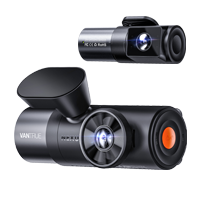
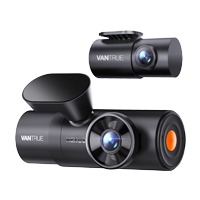
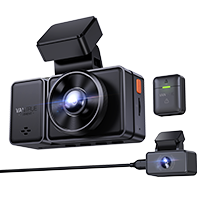
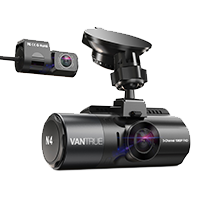
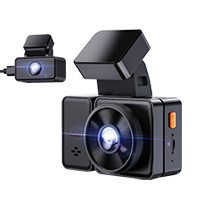
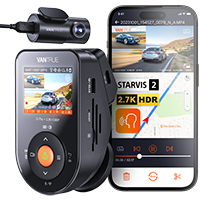
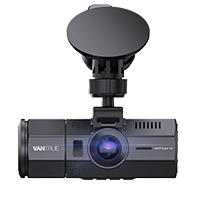
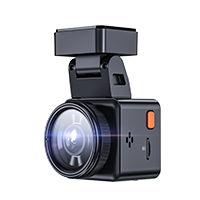
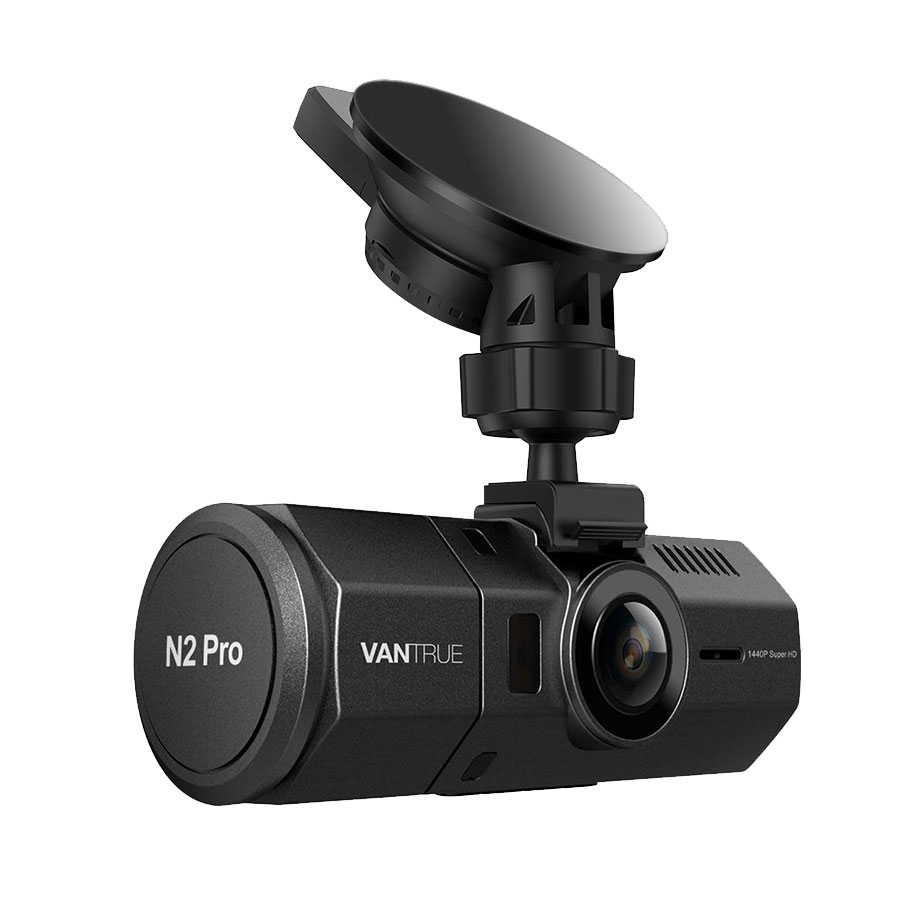
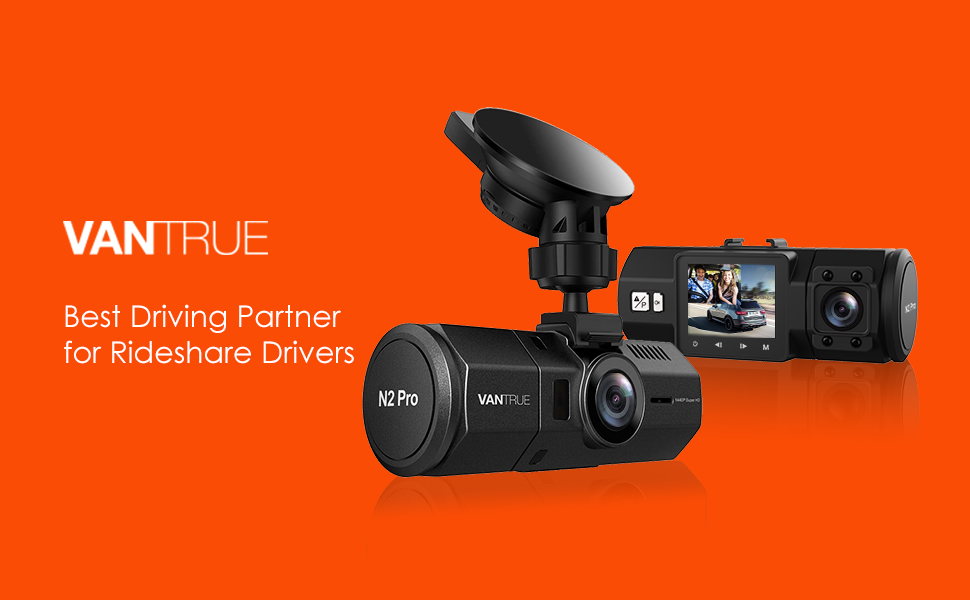
Vantrue N2 Pro Dual 1080P Dash Cam

( 3840 Reviews )

The FIRST 1440P + dual 1080P dash cam on the market.

Save $40 with code VANN2P at checkout.
Price: $169.99

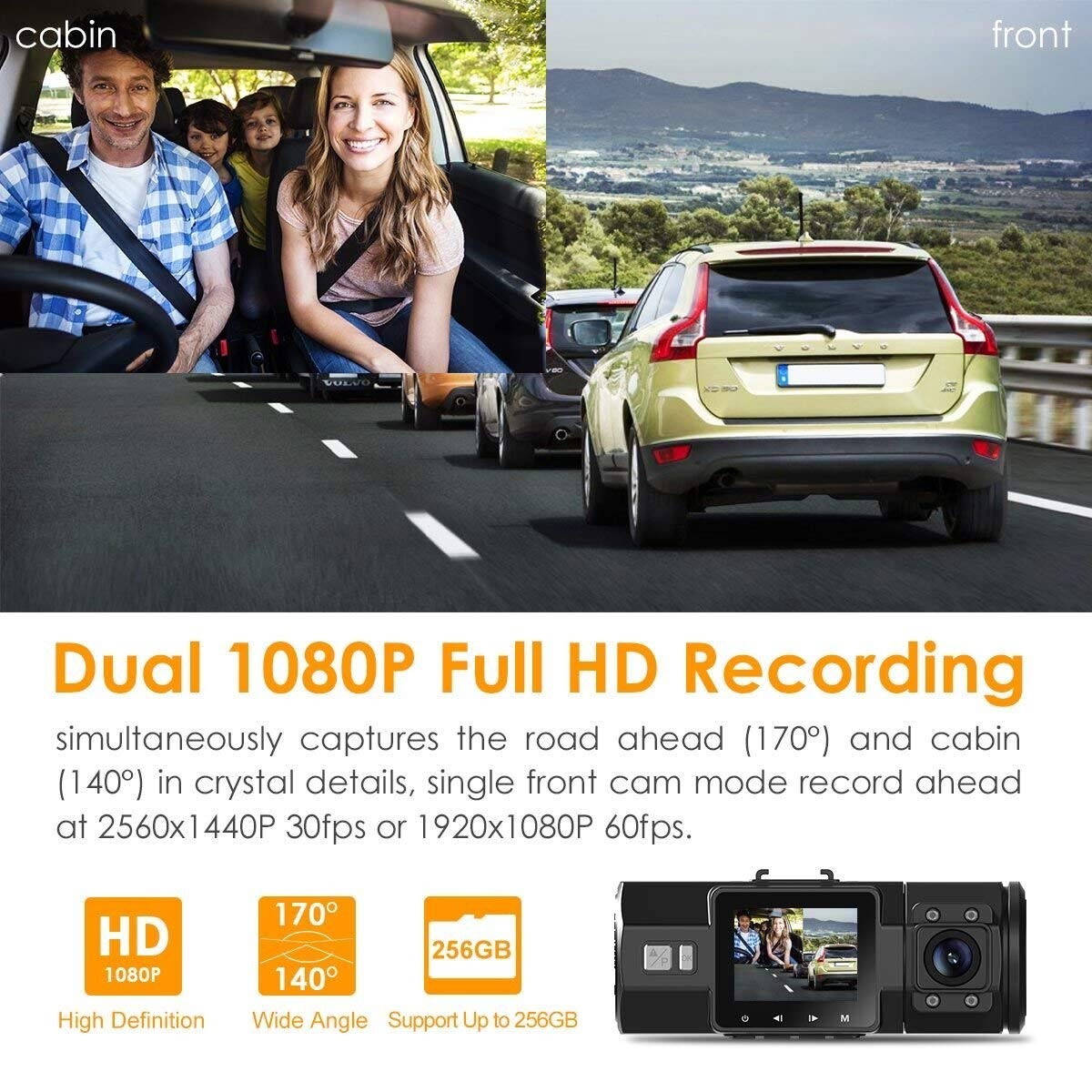
The FIRST DUAL 1080P dash cam on the market: Based on the powerful NT96660 CPU, advanced Sony Exmor IMX323 (rear cam) and OV4689 (front cam) image sensor, the N2 Pro simultaneously captures the road ahead (170°) and cabin (140°) at 1080P@30fps

Quantity
Safe & Secure
SSL site seal - VERIFIED & SECURED
Pay with Ease
PAYMENT.pngPAYMENT.pngPAYMENT4.png
Trusted Delivery
SSL site seal - click to verify
Dual dash cam

Why Choose Vantrue N2 Pro High End Dash Cam? Our Advantages:

  • Best dash cam pick by Wirecutter, Business Insider, CNET, BGR, Forbes, Dashcamtalk, Rideshare Central, Therideshareguy, Uberpeople etc.
  • The most popular and widely spread uber dash cam for rideshare and taxi drivers in the market
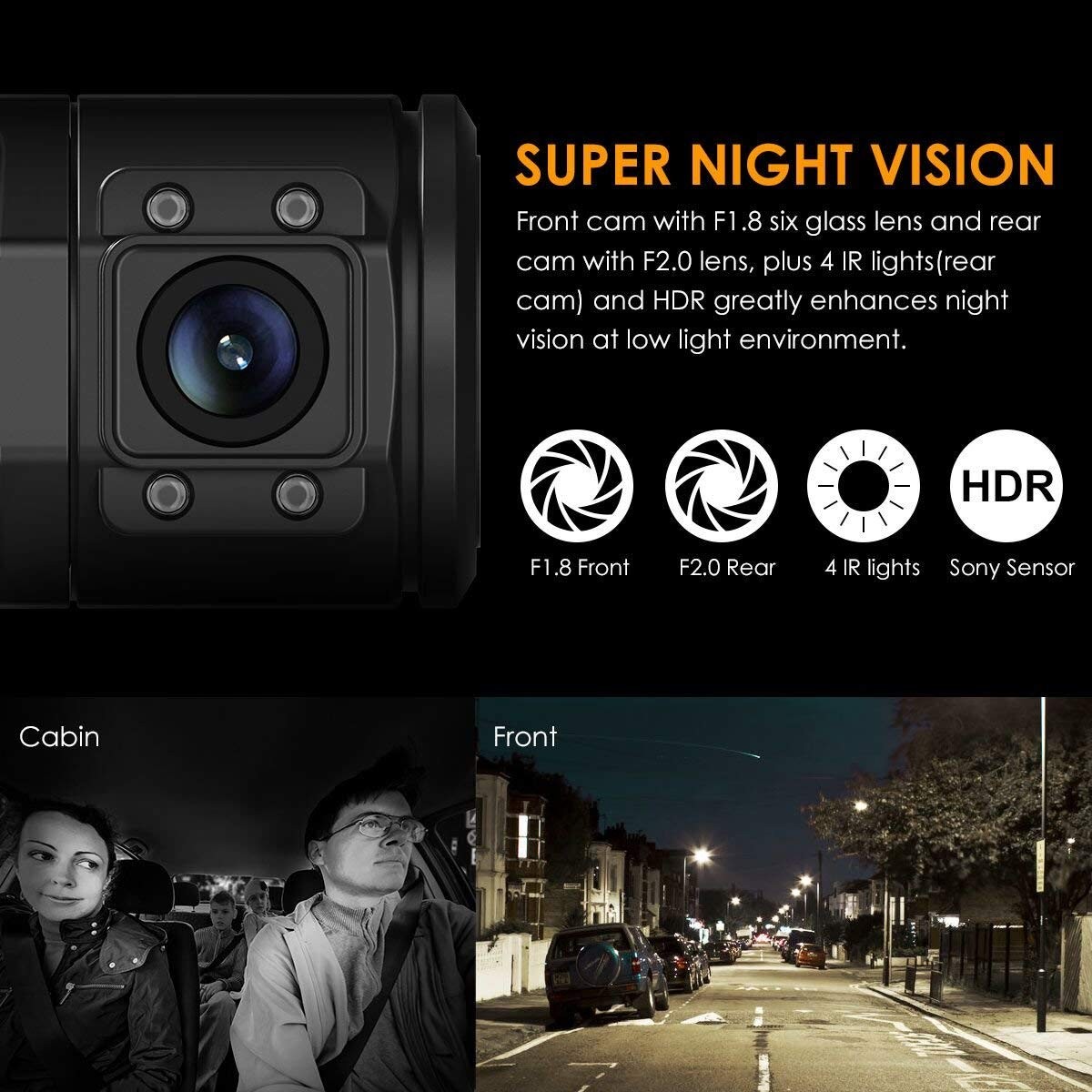
  • Reliable: Stable performance thanks to advanced processor, powerful Sony Starvis CMOS, 4 infrared LEDs and other features, longer lifespan high end dash cam than other cheaper dash cams.
  • Higher Resolution: Unlike typical dash cams that utilize Sony sensors for both cameras, the N2 Pro uses a better OV4689 sensor for its front camera to ensure the best visibility, so in addition to dual 1080P recording, it also comes with 2.5K 2560x1440P@30fps or 1920x1080P@60fps single front recording, which is the best image quality dual dash cam in the market.
  • Better Night Vision: The main part of this camera that stands out from the competition is the infrared night vision provided on the interior camera pointed at passengers. While other cameras claim to have night vision, but the Vantrue N2 Pro can provide clear footage even with no lighting.
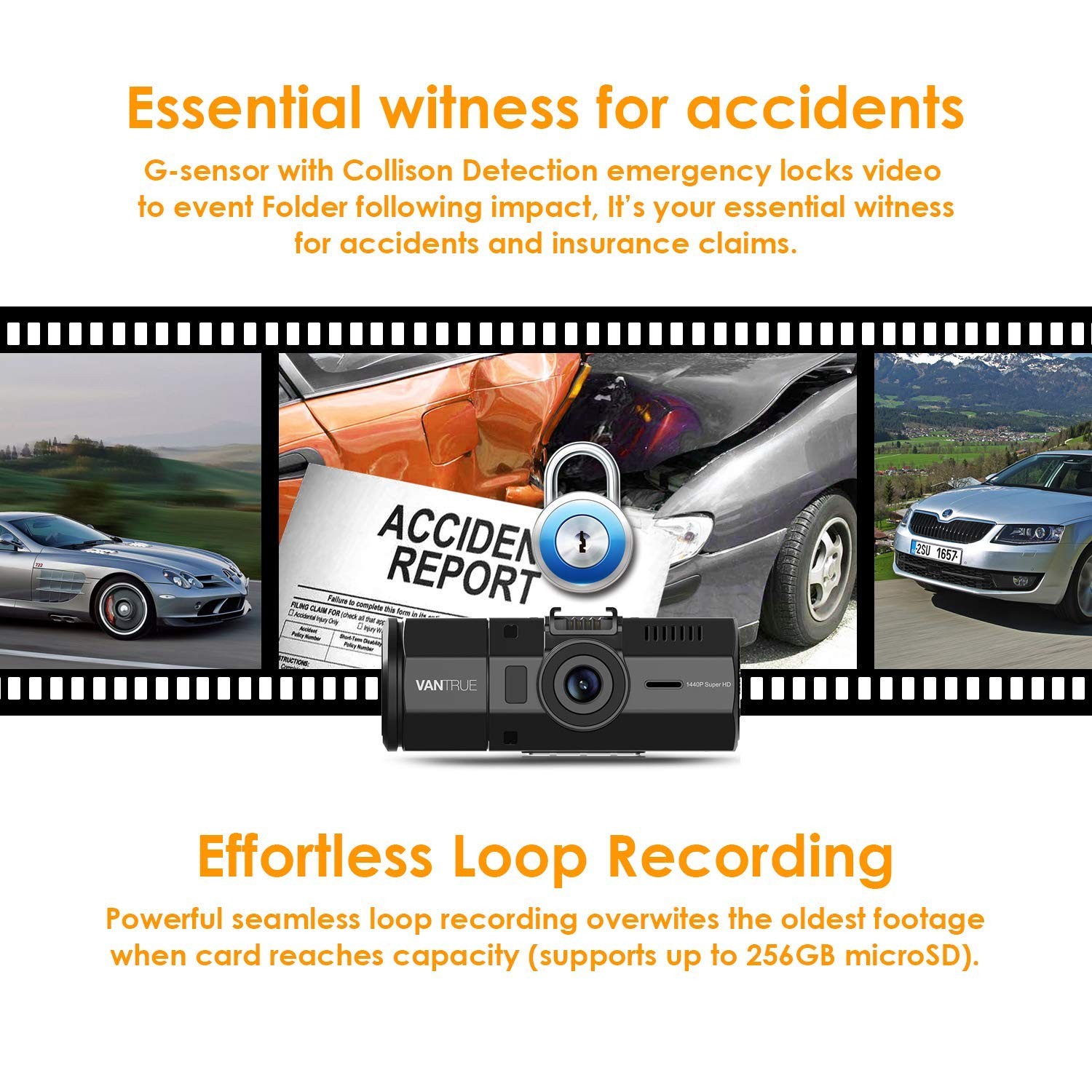
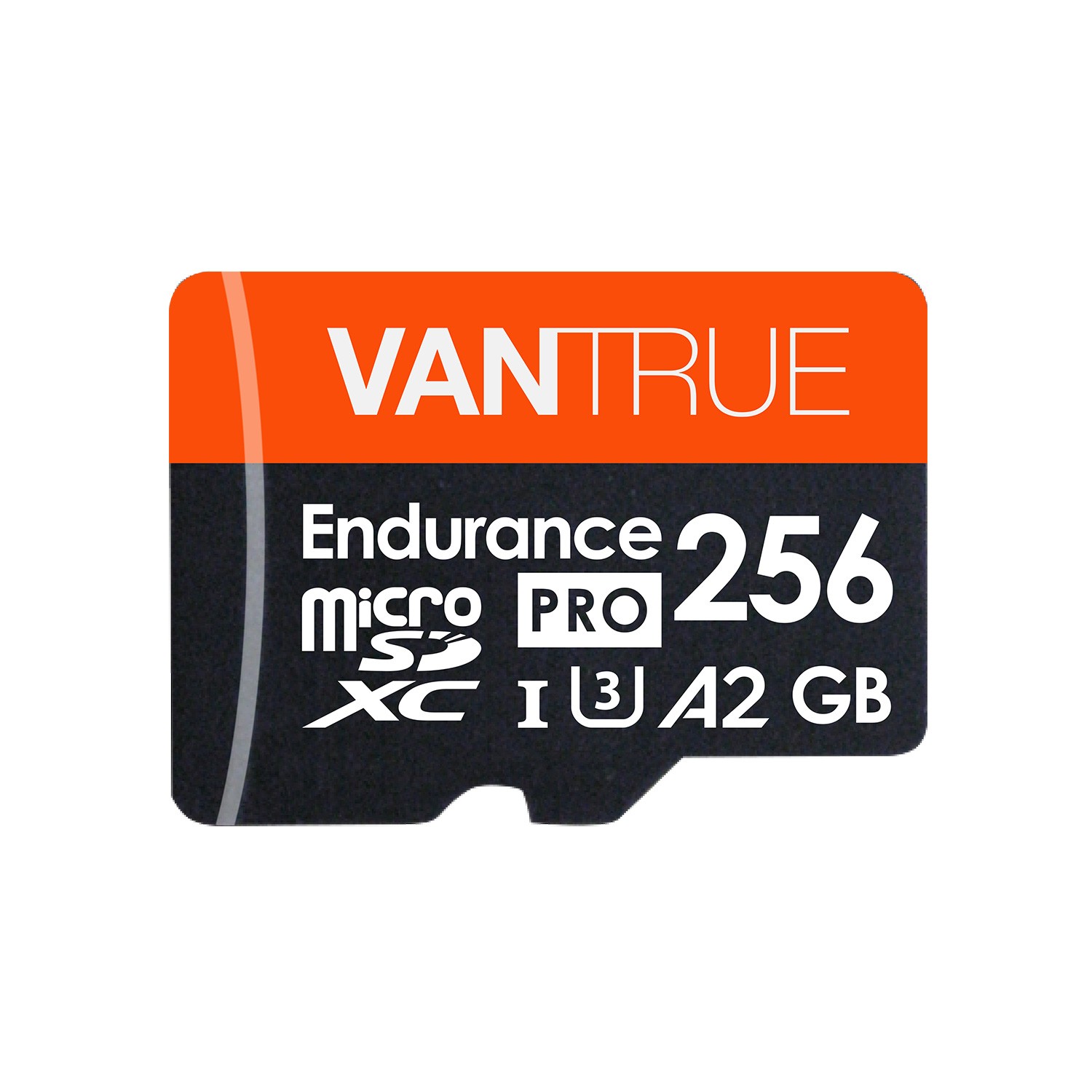
  • Larger memory capacity: Supports external memory capacity up to 256GB to meet your need of long time recording, while the other dash cams in the market are usually 32GB.
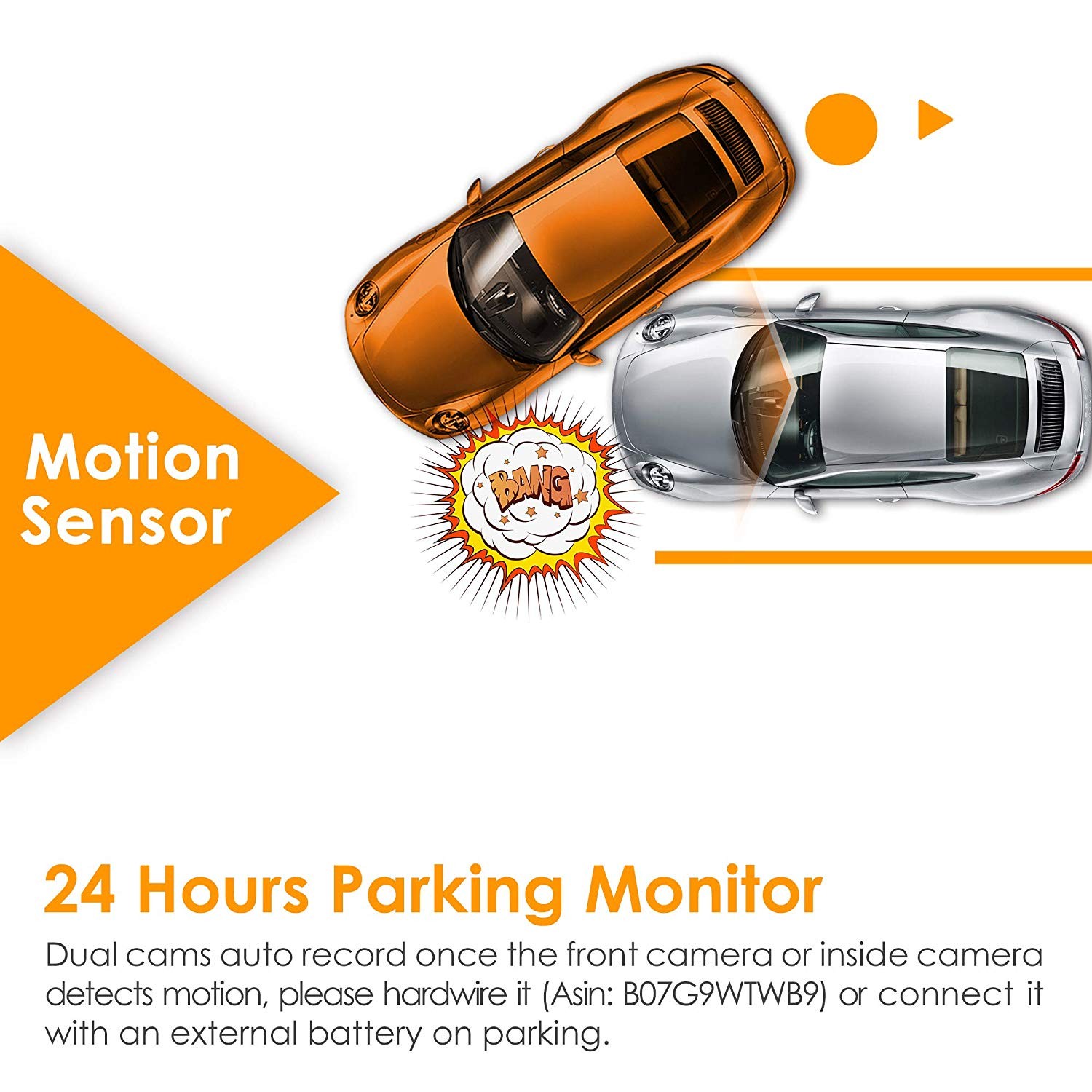
  • Advanced Parking Mode: Both cameras auto record once the front or inside camera detect movement, which ensures nearly 360° protection when you leave your vehicle unattended, while most dual cameras can only detect movement in front.
  • Regular firmware updates to ensure improved features and functionality for maximum quality. You can always improve the performance of your N2 Pro and see the benefits of the numerous new features and functions with latest firmware update.
  • Strict quality control and have a professional QC team, with CE, FCC & RoHS certificated.

Specs

Model OnDash N2 Pro
Sensor Front Cam Sensor: OV4689 Rear Cam Sensor: Sony IMX323
Display 1.5 inch TFT LCD monitor (4:3)
Lens Front: 170 degree wide viewing angle and full 6 layer glass lens with wide aperture of F/2.0. Rear: 140 degree wide viewing angle and full 6 layer glass lens with wide aperture of F/2.0.
Languages English/简体中文/Deutsch/Japanese
Video H.264 compressed format;
Dual mode: 1920X1080P+1920X1080P; 1280x720P+1280x720P
Single Front Cam mode: 2560X1440P30
Image JPEG; 16M
Audio Built-in microphone and speaker
Memorizer Internal memory: 4M External: SDHC (8-256GB, micro SD card of Class 10, FAT32)
Shutter   Electronic shutter
USB Port USB C
Battery 250mAh 3.7V Polymer Li-ion battery
Working Temp. -4 – 158 deg. Fahrenheit, -20-70 deg. Celsius
Storage Temp. -20 – 140 deg. Fahrenheit, -30 - 60 deg. Celsius

PC Operation System

Windows XP/Vista/Windows 7/Windows 8/Windows 10/Mac

Support

FAQ

How to upgrade the firmware?

Dear Customer,


Please follow the Steps below to upgrade your device:


1.     Download the firmware file (http://vantrue.net/Support/detail/id/47.html) to your PC;

2.     Format you microSD card on the camera, and then connect the camera to the computer through the USB port on the camera. Copy the firmware file (in .bin format) to the microSD card, then unplug the camera from the computer and turn it off;

Note: the firmware file (in .bin format) could not be recognized by computer, it could just be recognized by the dash cam, so don’t try to open it on PC, just copy it to the card.


3.     Plug the camera to a power charger (not computer), or press the power button;

4.     Then the camera will auto upgrade, and it will take about 30 secs to 1 min, during this time, the camera will not turn on and will not respond to any button or operation;

5.     Once the dash cam upgraded successfully, it will turn on and work.

6.     Please have a check the version of your device now (go to the System Setup menu and turn to the Version) and see if it is VTN2Pro8F.V21_IQ. If it is, then the camera has been upgraded successfully.

7.     Format the microSD card when the update has been completed, or the camera will upgrade itself everytime when it detects the firmware file in the card.


Update Note:

Fixed the bug of rear camera’s voice recording when loop recording is off.


Thank you! 


Any question, please contact us at support@vantrue.net.


Best regards, 


Vantrue Team


What is the latest firmware version for N2 Pro?

VTN2P0I.V41

Related Video Shorts

Vantrue X1 Instructions - how to delete a video?

From vantrue

Vantrue X1 Instructions - how to delete a video?

From vantrue

Vantrue X1 Instructions - how to delete a video?

From vantrue

Vantrue X1 Instructions - how to delete a video?

From vantrue

Reviews

( 3840 Reviews )

4.5/5.0

Victor Soto
Venture N2 Pro – First time buyer.This is my first time buying a dash cam and so far I am very impressed by it.I love the video quality is top notch crystal clear during the day hours and decent at night with limited lighting. One thing that stood out was the LCD display shouting off after a few minutes – it looks like the camera is turned off but still recording, very convenience if you are in a situation of being harmed or even if you get pulled over by the police and need proof of any wrong doing. Window attachment is very steady and doesn’t fall down. Also love the fact that starts recording one you turn on your car and better yet it records inside and outside as well. And if you just want only outside recording you can set it up to do so. The front camera has a view angle of 170 degrees and the back camera has a view of 140 degrees angle – you can see your car inside as well through all the windows in your car. This camera can be hardwired to the battery of your car by just buying an inexpensive camera kit. I also like the fact that I could turned on and off the microphone in case I just don’t want audio recording inside my car (Privacy). Overall I give this dash-cam a 4.5 out 5.0 stars. I am extremely happy with this dash-cam. Please see Day and Night recording as well as pictures.
Gil
Highly recommend this camera. It does an excellent job of capturing video from both cameras. Setup was straight forward and not complicated at all. The power cable is very long; I was able to run it from the camera, down the pillar, under the dash, along the center console, and plugged into a charging port in the back seat. I took the camera out for a test spin a few days ago and uploaded the footage to iMovie and the quality is top-notch. Initially, I was concerned with playing my music, but the camera does an excellent job of making the music sound like it's far in the background, very clear, but not over powering. Conversations are also clear. I'm considering buying another camera for my other vehicle. You will not be disappointed with this camera. For the price, you will not find better quality​. Highly recommend it.
AF
Initial impression & Unboxing:The Vantrue N2 PRO Pro comes nicely packaged with foam to protect the camera. The LCD screen and cameras are covered by a plastic cover to keep them from getting scratched. The instructions, quick start guide, registration, and accessories are all packaged neatly in the box. The standard suction cup is included along with a usb cable and power adapter. There is a separate optional GPS suction cup which I purchased to review with this camera. I won’t get into the details of the camera specs as you can read them yourselves on the description portion here on amazon. I will say in terms of interoperability it is nice that Vantrue has stuck with the same mini USB connection as opposed to going to USB-C or Mirco USB, you can interchange and upgrade cameras if you have an older Vantrue camera which uses the same power cable you ran previously in your car. This was a pleasant surprise coming from the Vantrue N1 and Vantrue R2 which I previously reviewed and use in my cars. The location of the buttons is intuitive unlike previous models with button on multiple sides. The N2 Pro buttons allow for easy one hand navigation through the menus and the emergency and ok button right in your line of sight. Camera construction is well made with a durable hard plastic to hopefully withstand internal deviated temperatures. My expectation is it will hold well to the blistering California heat waves we have in the summers. The plastic finish is not as refined as the R2 in my opinion, but looks and finish are all subjective so it is a moot point.Wiring:The provided power cord is similar to previous model Vanture cameras so not much difficulty in installing it and there is plenty of length in the cable to hide and wrap it around the windshield and along the side of the dash to reach the accessory port depending on your car. I took the power plug apart and actually soldered in two leads, shrink wrapped it using electrical shrink wrap and hardwired it behind my stereo console in one of my cars rather than purchasing a separate hardwire kit which Vantrue sells if you don’t want to go through that kind of trouble. It runs off the accessory port which is usually 12-24VDC on most cars converted to 5V @ 1-1.5A output to the camera. Like previous Vantrue cameras, there is also a direct Mini USB port so if you choose to make your own custom stand or mount in a different manner, you can get power to the camera with direct usb connection. Another advantage is if you need to remove the camera from the suction cup mount you don’t need to take the suction cup mount off, you can simply unplug the camera from the suction cup connector which makes it modular and allows for cleaner wiring. The standard power cord also has a hidden ubs plug so you can charge your phone and other accessories which is great. Another upside is the output is only 1.5A at most so you will not destroy your expensive electronics by charging them at higher C rate and degradating the battery, these small details are important if you understand Li battery technology, which most people do not. Whats good for the goose is not good for the gander.Initial Setup:Setting up this camera is fairly easy, the menu system is similar to the previous Vantrue cameras so there is no learning curve if you are familiar with the Vantrue firmware and OS. Using the Menu button you can scroll through the main 4 sub-menus. I’ll go over a few of the options I choose for my setup. Right off the back I noticed the odd way the Stamp is configured in the menu. This is not clear at all and one of the options I would like to see Vanture change in their firmware to make it more clear what is enabled and what is not. When you dabble in that menu option you will know what I’m talking about. For example if you want MPH shown there is an X and check mark, in order for the MPH to be shown on the video you have to make the cursor cover the X so that the checkmark is exposed and enable. Counter intuitive if you ask me. I opted not to use the parking sensor because I live in a relatively safe neighborhood and I’m more concerned about the drain on the car battery. If you happen to have a really large capacity battery or a backup power pack than the Parking sensor is useful to use. G-Sensor default is set to medium, I changed this to low only because my car has very stiff suspension so the ride can be a little bumpy and thus rather than trigger an impact event and fill up the microSD card I opted for a less sensitive option. If in the event you have an accident you can press the emergency button to lock that video in the Event folder which does not get overwritten. I would hope if you get into an accident you take the camera home and offload all the video data on a PC and sort through it later not having to worry about losing the video. One other setting I changed is the default video loop recording duration to maximum allowed. I find it easier to just edit down a longer video than having multiple small clips to join together, but this is all subjective and no impact on camera performance. I tested the Time Lapse mode and it is wonderful feature to my surprise, it worked very well and at 1fps it can record for a long length of time before it loops to another joined video. Although I have the parking mode turned off I can see the Time Lapse being a very useful feature for some. The Time Lapse mode works not only in Parking mode but outside of Parking mode which I believe is not available on the regular N2 model camera.microSD card and Format info:I purchased a Samsung Evo Select 64GB microSD card as I’ve had good success with these cards and Vantrue cameras in the past. I also have a Sandisk 64GB on my Vantrue R2 camera but this Samsung is a Class 10 U3 which is good for 4k recording even though this camera does not record at 4k, it records two HD 1080p streams so having a fast microSD card is worth it to prevent any issues, plus the price is no different than an older model by maybe a few bucks. That said, I put the card in and despite what the instructions say about formatting the card on a PC with a FAT32 partition the camera handled the formatting without any issues and I didn’t have to use any utilities on the PC to format it. If you insist on using a desktop utility to format it to FAT32 than use either of these freeware (Fat32Formatter 1.1 or guiformat-x64.Exe or guiformat.exe) any of these three free utilities will do the job on the PC. Vantrue says the camera actually supports up to 128GB microSD card but there could be some stability issues so for the sake of simplicity stick to a 64GB microSD card unless you are willing to experiment. I only have a single 128GB microSD (Samsung Evo Select) card, I put it in the camera as a quick test to see if there would be any issues and there was non initially, but I didn’t use it long enough to detect any possible bugs for continuous use.Camera settings:There are a few settings which are not clear from the instruction manual alone so testing them once you have the camera is the best way to find out how it impacts the operation of the camera. Surprisingly the factory default settings of this camera were more than ideal for my situation with only changes to the Stamp and a few other setting I found the camera was ready for use. Normally on the other Vantrue cameras I have made several changes before it was ready for use, but all the changes I would have normally made was default on the N2 Pro.Rear Camera:The rear camera is surrounded by 4 IR Led to aid with night vision operation which is far more useful recording inside the cabin as opposed to the front camera which has to deal with headlights and street lights constantly throwing the sensor off. The rear camera rotates on its axis so you can adjust it to get the right angle. The only grip I have is the rear camera is on the far end of the camera, it would have been better if the camera was somewhere near the center in my opinion because now I have to move the camera slightly closer to the driver to get a centered rear camera shot so there is an offset between the front and rear camera to keep into account.Video/Picture Quality:The first Dual 1080p camera I have used. I opted to use the default 1080p/1080p for both front and rear cameras. I was not surprised how clear the images were. Having previous Vantrue cameras in my other vehicles I expected the same clarity if not better and given the N2 PRO uses newer OV4689 and Sony IMX323 CMOS cameras paired with a Novatek NT96660 processor there is virtually no delays in the recording at 30fps for both cameras. The field of view on these cameras is enough to virtually cover the entire 360 range with limited dark spots. The coverage is F1.8 Front camera lens with 170 deg angle + F2.0 back cam lens with 140 deg angle. The night vision is far better than any other camera I have seen so far for in this price range. The front facing camera night vision is not like the same night vision you would see from a CCD camera, but for driving and catching license plates it does a good job. The rear camera with the 4 IR Led has a good picture quality for nighttime driving and the quality is on par with the front camera.Audio:The audio is clear and crisp in my car. Of course the quality of the acoustics does depend on the car and the materials in the car and environmental conditions so while it might work well in a Mercedes or high end vehicle you might not feel the same about your own car, I tested this in my daily driver Acura and I could make out the music very clearly as well as my own voice. Nothing unusual or to be concerned with.Noteworthy Mentions:One of the biggest improvements I’ve seen from the N1 to R2 and now this N2 PRO is the algorithm used for detecting ignition states when turning a car on and off. Depending on the car model, when you turn on the car, the ECU temporarily powers off all accessory ports, so the camera would detect no power and on the N1 it would shut the camera off than back on sometimes. The N2 PRO is smart, by that I mean when you turn on the car depending if you drive a BMW to a Toyota for example it knows the interrupt of power is from the car starting and thus no user input is required to manually turn the camera on.18 Month Warranty speaks for itself, most cameras offer a 1 year warranty if that, Joe from Vantrue is very knowledgeable and pleasant to deal with. Most importantly he responds quickly to email so if you have any issues you can be sure you will receive a response and support from Vantrue which says a lot regarding customer service these days.In my opinion the small LCD screen like the N1 is nice to have for function verification and camera setup, but, beyond that it is very small and not ideal for video playback. Unlike the R2 which has a much larger LCD screen, this camera is compact so I don’t mind giving up screen real-estate for a more compact package which the N2 PRO offers.The instruction manual could use work and be a little more descriptive and clear. In fact this manual I have is outdated and I believe it is for the N2 model not N2 Pro. This is why some of the features you must just manually test yourself to get an understanding on how it impacts the camera.The camera is fast, by that I mean when I turn on my car the camera is on within a second and when I turn off the car it shuts off about the same time so unlike previous models the N2 PRO has little to no delay. Also browsing through the menu and button response is instant.The camera comes with a 250mAh internal LiPo battery which is sufficient enough to use for a few hours at best, don’t count on it to record long durations of video as that is not what it was intended for. It is also important to note if you don’t use the supplied power cable, do not use an unregulated power adapter pumping more than 1.5A of current into the camera which could possibly cause problems with not only the camera, but cause battery problems which could result in catastrophic failure. I assume there is an internal IC which regulates current at the camera itself but better safe than sorry.The N2 Pro comes with a micro HDMI port so you can plug right into your TV for playback which is nice to have but the cable is not provided.When the camera is recording there is a blue led which is lit in the Emergency button, the R2 had a very visible led which is brighter. This is a both a pro and con, if you are wearing sunglasses the blue led is very hard to see on the N2 Pro but the upside is it is not bright at night so it is not as obnoxious.The GPS playback is great evidence and proof if you ever have an accident or receive a ticket which you can use in your defense. This is one of the biggest pros with this camera is the option to add the GPS receiver mount which has almost the same footprint as the standard mount. Well worth the additional investment for the N2 Pro and the software provided which can be downloaded from the Vantrue website is easy to use and packaged for both Apple and Windows OS.Honestly from using other Vantrue cameras my expectation with the N2 Pro was high because each iteration Vanture has put out there is always some new improvement or feature to look forward to. The N2 Pro succeeds the previous models with a range of upgrades and features unlike its predecessor. With the integration of a rear camera and rich added features this is leaps and bounds better so if I had to make a suggestion and recommendation to anyone looking for a camera I would not hesitate to recommend the Vantrue N2 Pro.Update: 8-25-17: Added video with Sun directly hitting the camera. I also have a very light reflective tint to help keep the car cool so the optics and windshield are not the most clear from all the micro pits from driving on the freeway/roads.Update: 8-26-17: I saw one reviewer complain about cabin recording and I felt compelled to talk about the IR feature. The IR led work great, probably the best in any camera I've seen in this price range. You just have to turn them on or set it to Automatic. When the camera is on hit the Power button and on the top right side of the LCD screen you will see it cycle between Auto, On and Off. Try it again it works very well.



JasonE
Driving in Orlando traffic everyday I've been looking into getting a dashcam for the past year or two but nothing caught my eye. This unit finally came along and made me pull the trigger. I'm glad I did because it records with top-notch video quality and survives the 104 degree Farenheit Florida sun.I spent an extra $10 and ordered the hard wire kit from Vantrue to hook this bad boy up to the fuse box. This allowed me to conceal the wires and take advantage of parking mode with the camera being powered 24/7.Pros:Easy to setup and install even for a dummy like me, plenty of options, great instructions providedExcellent Mount, easy to install and fully adjustable. Power cable connects to either the mount or the camera itself.It is very easy to mount/dismount the camera so if I don't want to leave it in the hot sun all day I can easily move it to my center console or glove box.HD video quality – when I review the video it is crystal clear, I can easily make out street names, signs, stores, license plates, etcTwo way camera – records both in front of the car and inside the car. I’m very impressed with the inside the car camera because you can easily see out all windows including the rear window. Having that kind of footage can come in handy in-case anything were to happen.Customer Support – I had a question regarding the product and was able to receive a reply right away.Cons - I often have to take the dashcam off the mount to either access the SD card or adjust the angle. Not a huge deal but worth mentioning.Update: I finally drove at night with the dash cam. I primarily drive during the day in the Florida sun but am also very pleased with this dash cam's performance at night. I have uploaded a couple of screen captures showing off the images I captured while using the camera at night. I can still clearly see license plates, signage, etc.
AuenGrl
I researched many dash cams before I came across the Vantrue brand lineup. They offer several different types of dash cams. The one I choose was the Vantrue N2 Pro. I liked the fact that it is vey low profile and does not obstruct your view. It has duel front and back cameras. Video quality is excellent. Mounting was easy. Quality construction. Comes with infrared mode as well. I would recommend.
See all reviews >