Tax-Free* | 18-Month Warranty | 30 Day Returns Guaranteed.

cad software

Quick Link

Suggestions

Products related to this item

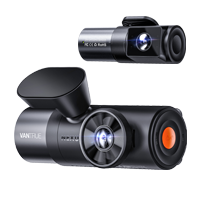
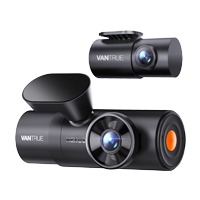
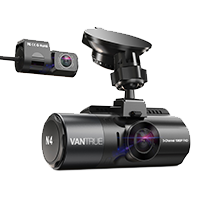
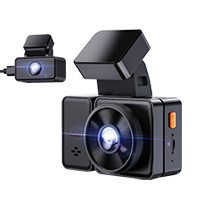
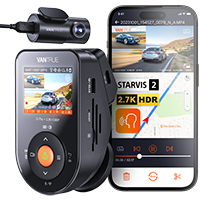
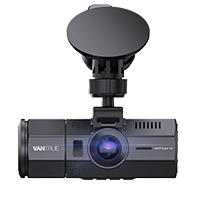
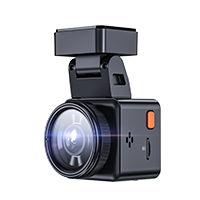
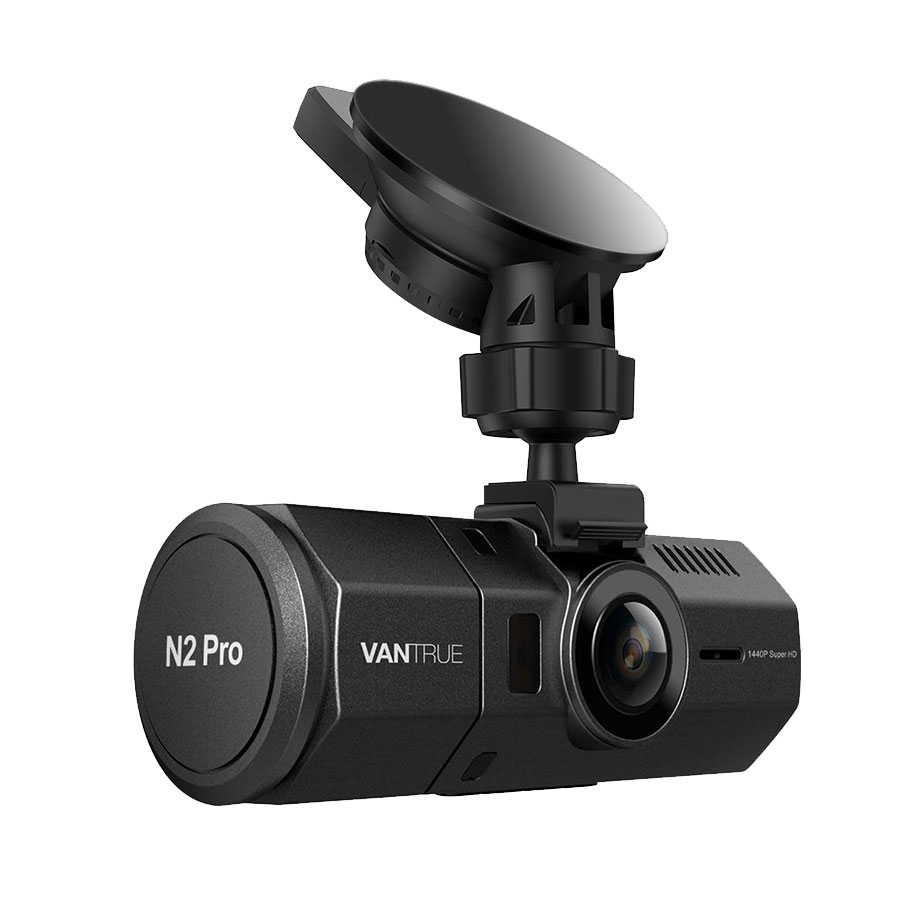
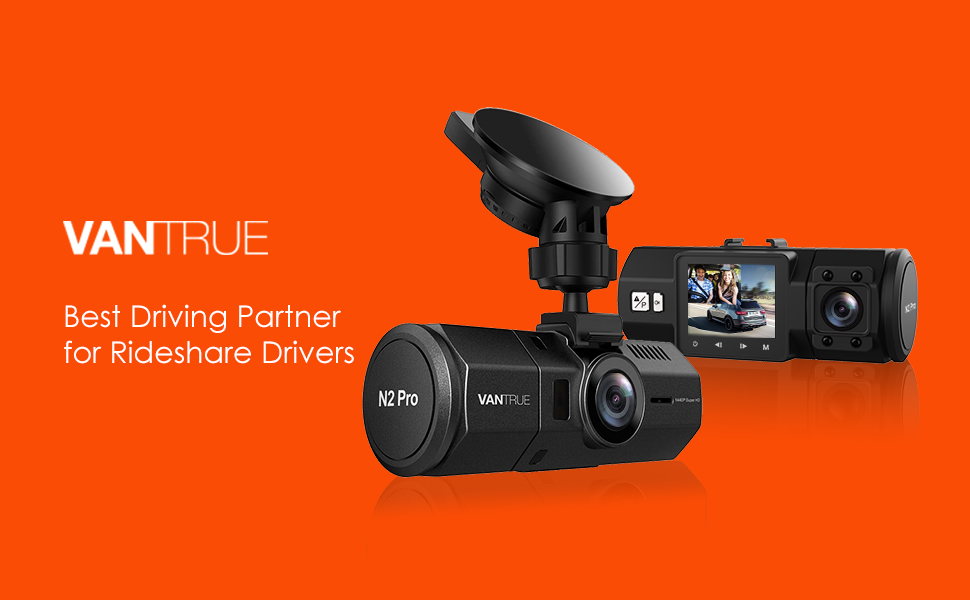
Vantrue N2 Pro Dual 1080P Dash Cam

( 3840 Reviews )

The FIRST 1440P + dual 1080P dash cam on the market.

Save $40 with code VANN2P at checkout.
Price: $169.99

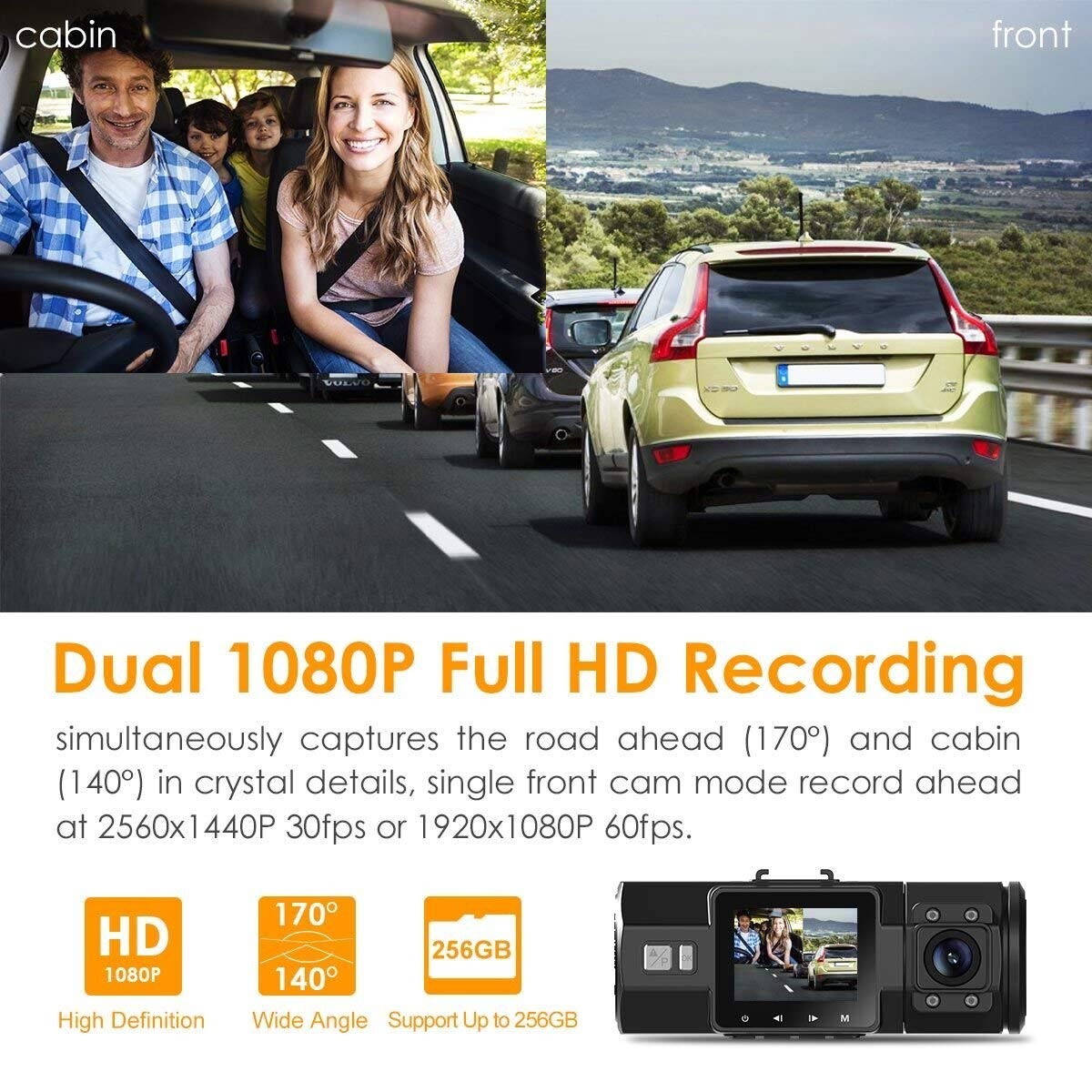
The FIRST DUAL 1080P dash cam on the market: Based on the powerful NT96660 CPU, advanced Sony Exmor IMX323 (rear cam) and OV4689 (front cam) image sensor, the N2 Pro simultaneously captures the road ahead (170°) and cabin (140°) at 1080P@30fps

Quantity
Safe & Secure
SSL site seal - VERIFIED & SECURED
Pay with Ease
PAYMENT.pngPAYMENT.pngPAYMENT4.png
Trusted Delivery
SSL site seal - click to verify
Dual dash cam

Why Choose Vantrue N2 Pro High End Dash Cam? Our Advantages:

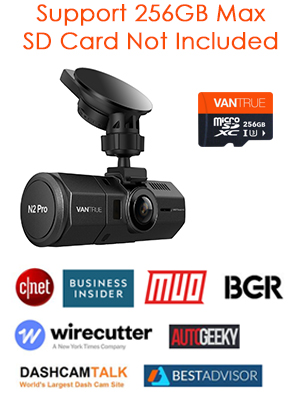
  • Best dash cam pick by Wirecutter, Business Insider, CNET, BGR, Forbes, Dashcamtalk, Rideshare Central, Therideshareguy, Uberpeople etc.
  • The most popular and widely spread uber dash cam for rideshare and taxi drivers in the market
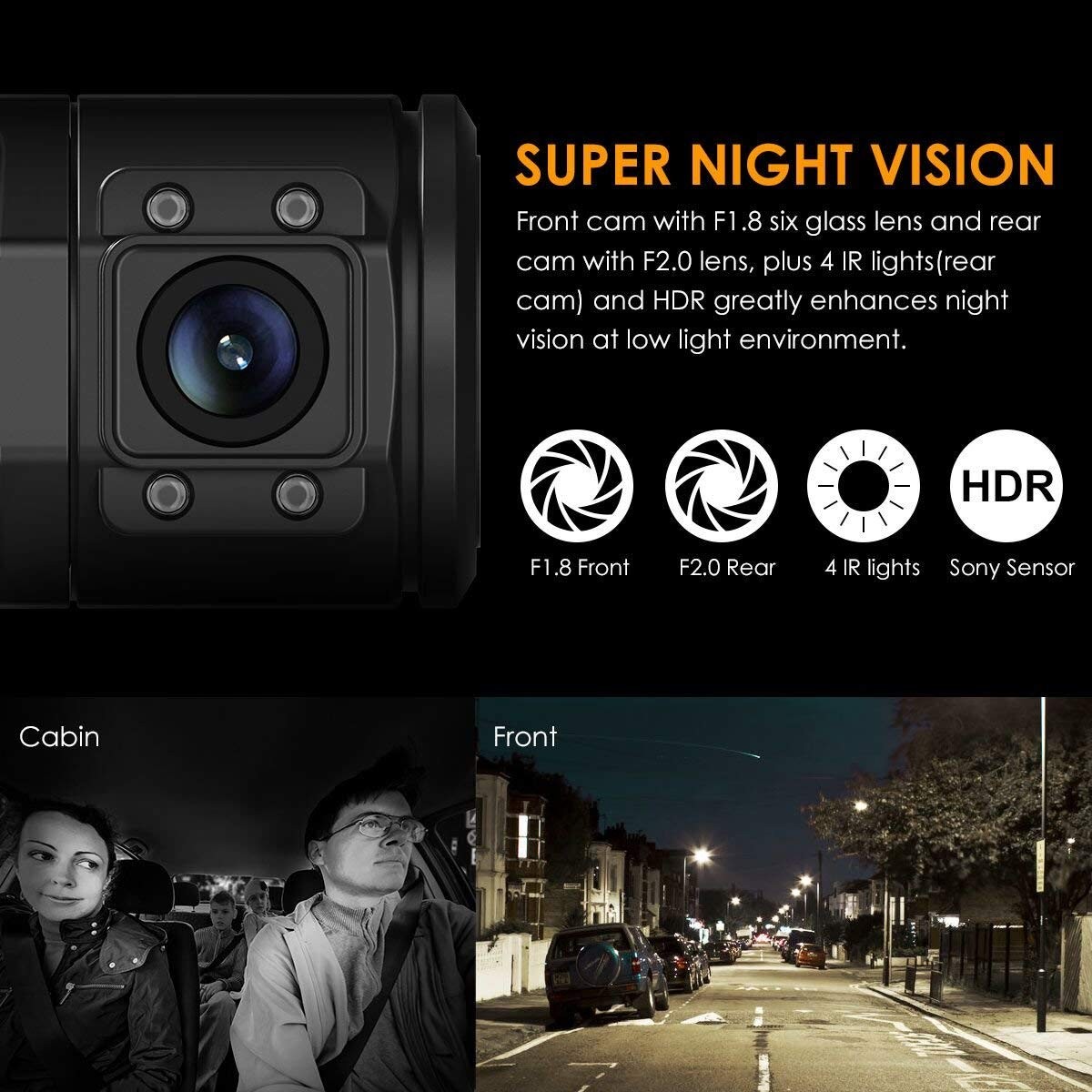
  • Reliable: Stable performance thanks to advanced processor, powerful Sony Starvis CMOS, 4 infrared LEDs and other features, longer lifespan high end dash cam than other cheaper dash cams.
  • Higher Resolution: Unlike typical dash cams that utilize Sony sensors for both cameras, the N2 Pro uses a better OV4689 sensor for its front camera to ensure the best visibility, so in addition to dual 1080P recording, it also comes with 2.5K 2560x1440P@30fps or 1920x1080P@60fps single front recording, which is the best image quality dual dash cam in the market.
  • Better Night Vision: The main part of this camera that stands out from the competition is the infrared night vision provided on the interior camera pointed at passengers. While other cameras claim to have night vision, but the Vantrue N2 Pro can provide clear footage even with no lighting.
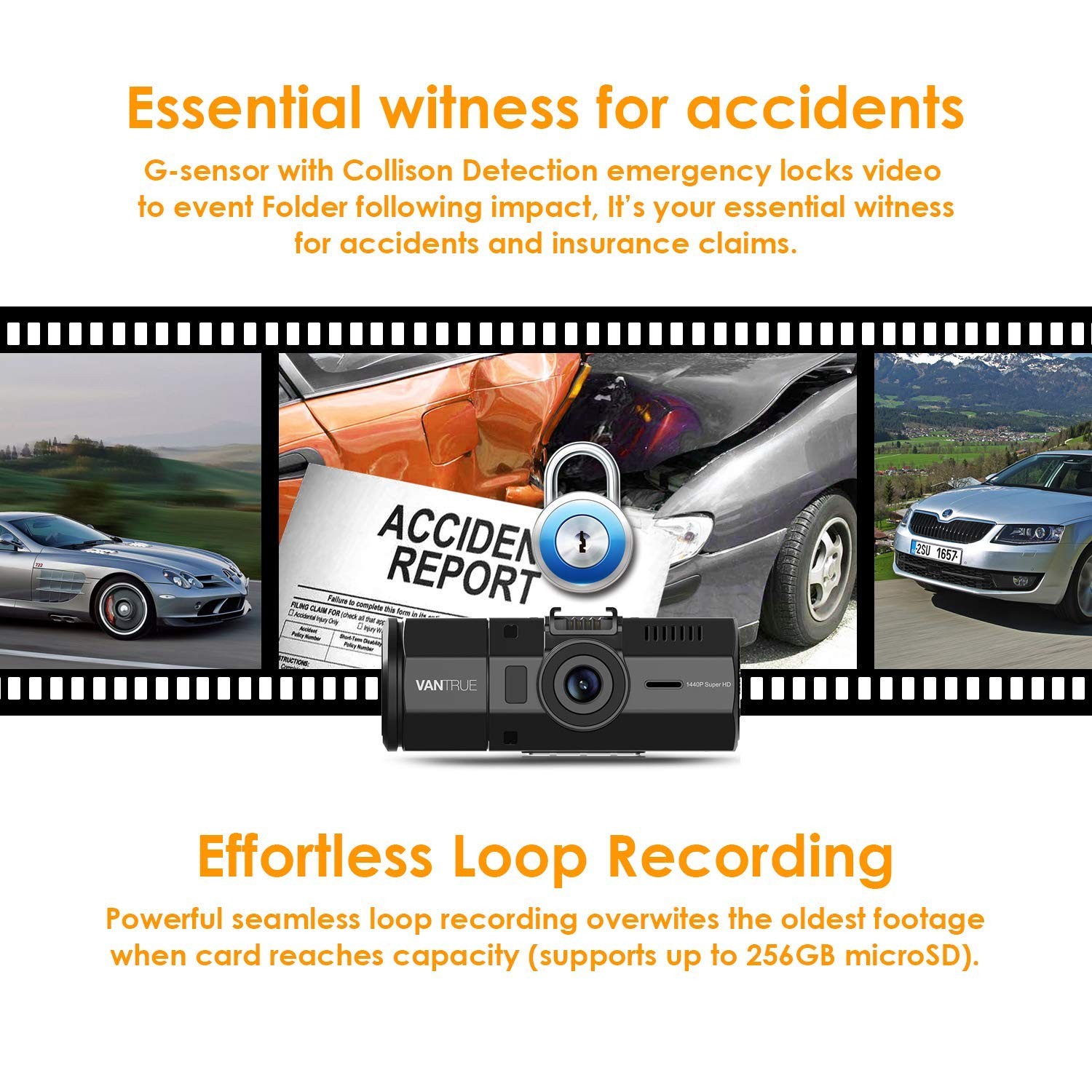
  • Larger memory capacity: Supports external memory capacity up to 256GB to meet your need of long time recording, while the other dash cams in the market are usually 32GB.


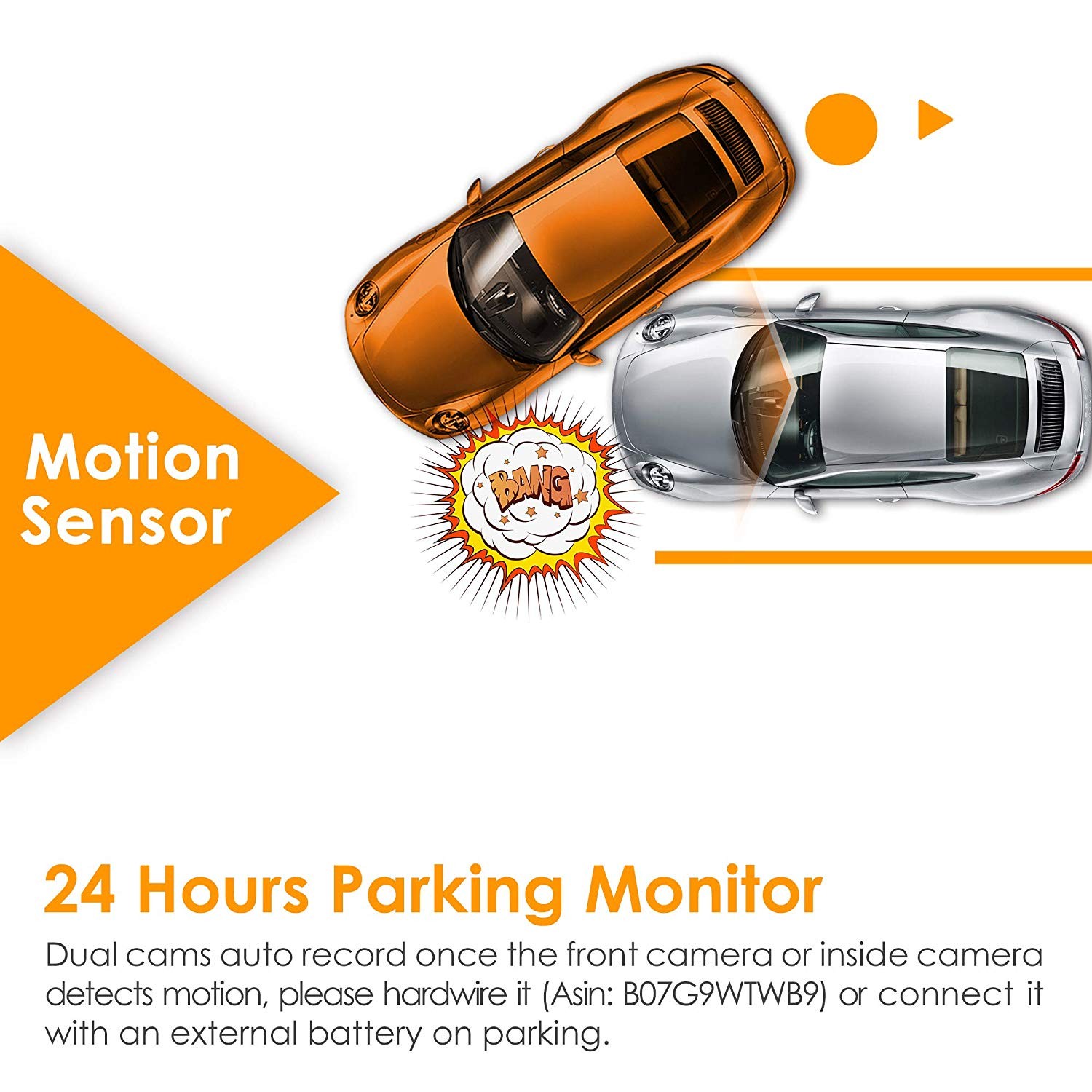
  • Advanced Parking Mode: Both cameras auto record once the front or inside camera detect movement, which ensures nearly 360° protection when you leave your vehicle unattended, while most dual cameras can only detect movement in front.
  • Regular firmware updates to ensure improved features and functionality for maximum quality. You can always improve the performance of your N2 Pro and see the benefits of the numerous new features and functions with latest firmware update.
  • Strict quality control and have a professional QC team, with CE, FCC & RoHS certificated.

Specs

Model OnDash N2 Pro
Sensor Front Cam Sensor: OV4689 Rear Cam Sensor: Sony IMX323
Display 1.5 inch TFT LCD monitor (4:3)
Lens Front: 170 degree wide viewing angle and full 6 layer glass lens with wide aperture of F/2.0. Rear: 140 degree wide viewing angle and full 6 layer glass lens with wide aperture of F/2.0.
Languages English/简体中文/Deutsch/Japanese
Video H.264 compressed format;
Dual mode: 1920X1080P+1920X1080P; 1280x720P+1280x720P
Single Front Cam mode: 2560X1440P30
Image JPEG; 16M
Audio Built-in microphone and speaker
Memorizer Internal memory: 4M External: SDHC (8-256GB, micro SD card of Class 10, FAT32)
Shutter   Electronic shutter
USB Port USB C
Battery 250mAh 3.7V Polymer Li-ion battery
Working Temp. -4 – 158 deg. Fahrenheit, -20-70 deg. Celsius
Storage Temp. -20 – 140 deg. Fahrenheit, -30 - 60 deg. Celsius

PC Operation System

Windows XP/Vista/Windows 7/Windows 8/Windows 10/Mac

Support

FAQ

How to upgrade the firmware?

Dear Customer,


Please follow the Steps below to upgrade your device:


1.     Download the firmware file (http://vantrue.net/Support/detail/id/47.html) to your PC;

2.     Format you microSD card on the camera, and then connect the camera to the computer through the USB port on the camera. Copy the firmware file (in .bin format) to the microSD card, then unplug the camera from the computer and turn it off;

Note: the firmware file (in .bin format) could not be recognized by computer, it could just be recognized by the dash cam, so don’t try to open it on PC, just copy it to the card.


3.     Plug the camera to a power charger (not computer), or press the power button;

4.     Then the camera will auto upgrade, and it will take about 30 secs to 1 min, during this time, the camera will not turn on and will not respond to any button or operation;

5.     Once the dash cam upgraded successfully, it will turn on and work.

6.     Please have a check the version of your device now (go to the System Setup menu and turn to the Version) and see if it is VTN2Pro8F.V21_IQ. If it is, then the camera has been upgraded successfully.

7.     Format the microSD card when the update has been completed, or the camera will upgrade itself everytime when it detects the firmware file in the card.


Update Note:

Fixed the bug of rear camera’s voice recording when loop recording is off.


Thank you! 


Any question, please contact us at support@vantrue.net.


Best regards, 


Vantrue Team


What is the latest firmware version for N2 Pro?

VTN2P0I.V41

Related Video Shorts

Vantrue X1 Instructions - how to delete a video?

From vantrue

Vantrue X1 Instructions - how to delete a video?

From vantrue

Vantrue X1 Instructions - how to delete a video?

From vantrue

Vantrue X1 Instructions - how to delete a video?

From vantrue

Reviews

( 3840 Reviews )

4.5/5.0

Bob
I had been really happy with the purchase until today. I had noticed some timestamps jumping back and forth but it didn't hit me that this was a problem - after all, I cared about the camera quality and reliability of this thing. Fast forward to today and I was involved in some accident where I was rear ended. I check the footage at site and I had it. I was super excited since I could definitely extract the license plate of the car in front of my car using the footage. But after driving home I discovered that I could no longer find the footage, and the problem turned out to be that since the timestamp of the camera was jumping back and forth, it had footage from 2019/09 (2 months into the future at time of writing - who knows why - I only set the time once after getting the camera) but the camera system time was sitting at 2018. This didn't strike me as a huge issue, until I realized that since the recording was done in a loop, the oldest footage would get wiped away, which means that while I had my accident footage at the accident site, the footage was overridden on my way home. I was thinking okay, the camera has a feature to automatically capture footage when impacts occur, right? Nope, checked the "EVENTS" folder, and there were only irrelevant footage. Pretty annoyed right now - I've completely lost a way to contact the person who should have been responsible for the accident (person in front who randomly braked to full stop on the freeway with no car in sight in front), and now the person can just get away with it. Would like to see what Vantrue does about this. I read in the other comment that the units with jumping timestamps are defective, and this certainly appears to be the case.
John A Berton
It is a great camera. I like all aspects of it. The 360 deg view, the time delay. The quality is unbelievable .I would recommend this product to anyone that wants the best.
RANDOM - Camera, Tech, Outdoors and More
I have owned the N2 Pro now for 3 weeks. I have owned and tested several dash cameras of similar quality and this camera deserves it high marks and high sales numbers. The mounting system is simple and sturdy, GPS data is accurate, and the camera runs itself. User need not worry about basic camera settings. The camera is plug-n-play. This dash camera is perfect for UBER - LYFT drivers, Car Vloggers and as a perfect ** Car Safety Tool ** Car Security **Camera Strengths:Ease of use, User FriendlySetup - is intuitive, a few seconds and you will have this camera set upFeatures - 24 hour parking mode, event marker, G sensorHigh resolution setting 2.5K 2560x1440P Single Front facing cameraSony IMX323 sensor, quality of the sensor is where the picture quality comes from256 gig micro SD card capableLoop recording, 3 and 5 minute optionsG sensor, Parking ModeAuto darkening feature, for people who drive at nightCamera Wish List:Night vision camera is average, includes interior infrared like many other camerasA bit expensive compared to other models that include GPS $199 + $21= $222 versus $170 models that include GPSGPS should be included, should not be an optionWould be nice if it were shipped with a 64 gig SD card, even a 32 gig card is only $6Overall this camera deserves 4 Thumbs up, as high a rating I can give. Well made device, looks great on the dash.DAD RANDOM - YOUTUBE - Thanks!
Valdez
**BUYER BE AWARE** Stop working, I contacted seller they want me to pay shipping to send old one, I won’t spend a dime in this camera, it only lasted 8months.Update 1/2/20 camera started to work again i don’t know what was causing the problem I will have to see if problem doesn’t came back!Update: 3/3/20 camera started to act up again, suddenly when I’m driving dash keepShutting off and on, this is bad because You always want your camera to be recording all the time, the customer service is terrible they don’t offer any help, i bought insurance for this cam but the company doesn’t take responsibility, this is the worst $200 I have ever spend, I do not recommend this cam!!Seller should be ashamedupdate 3/5/20 I email customer service they send me a new replacement, camera is working great, I want to thank Ariel for helping me!
Justin
See all reviews >