







Tax-Free* | 18-Month Warranty | 30 Day Returns Guaranteed.

cad software

Quick Link

Suggestions

Products related to this item

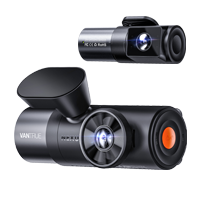
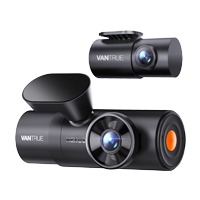
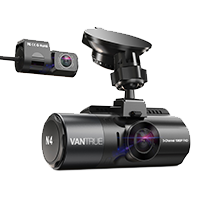
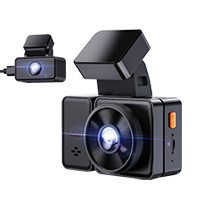
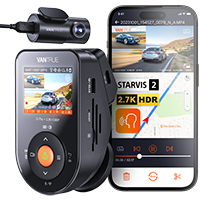
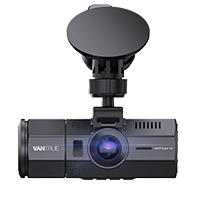
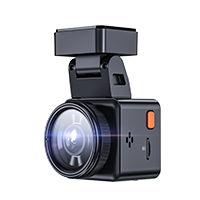
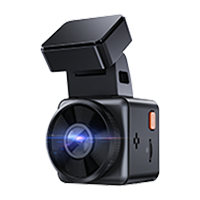
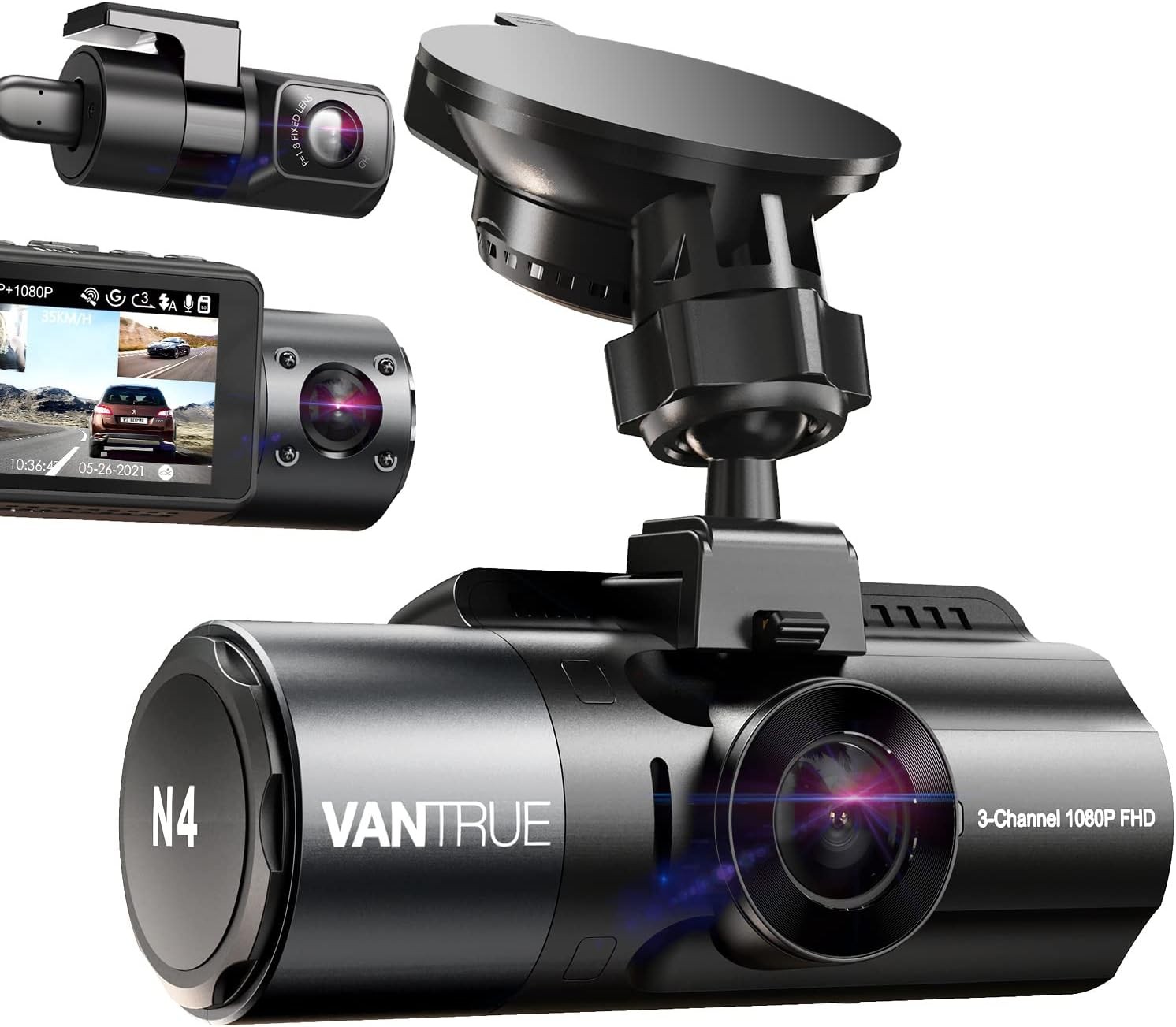
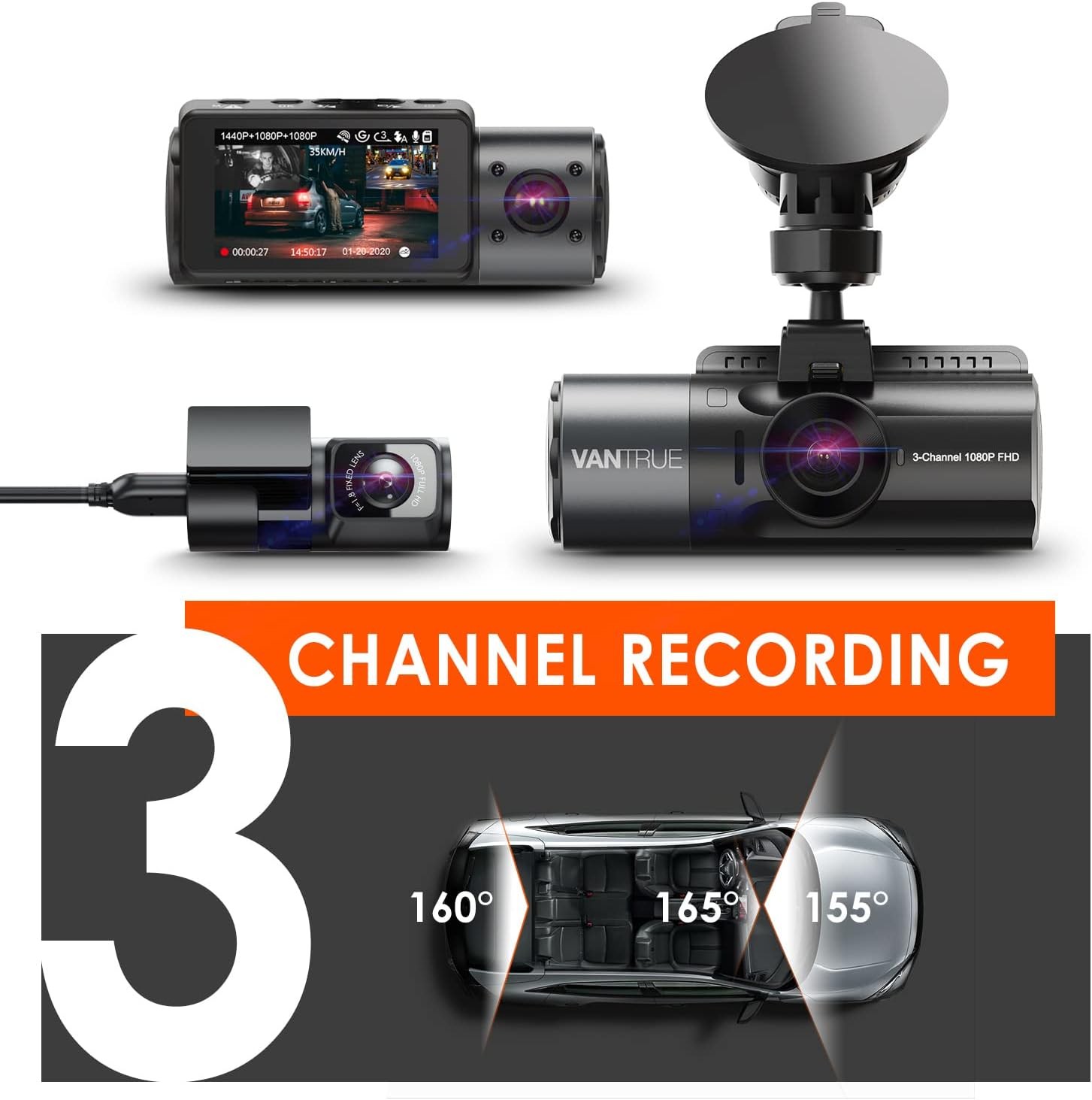
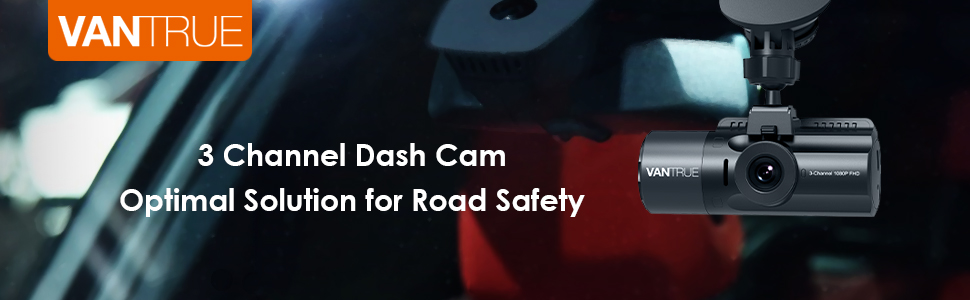
Vantrue N4 3 Channel Dash Cam

( 1243 Reviews )

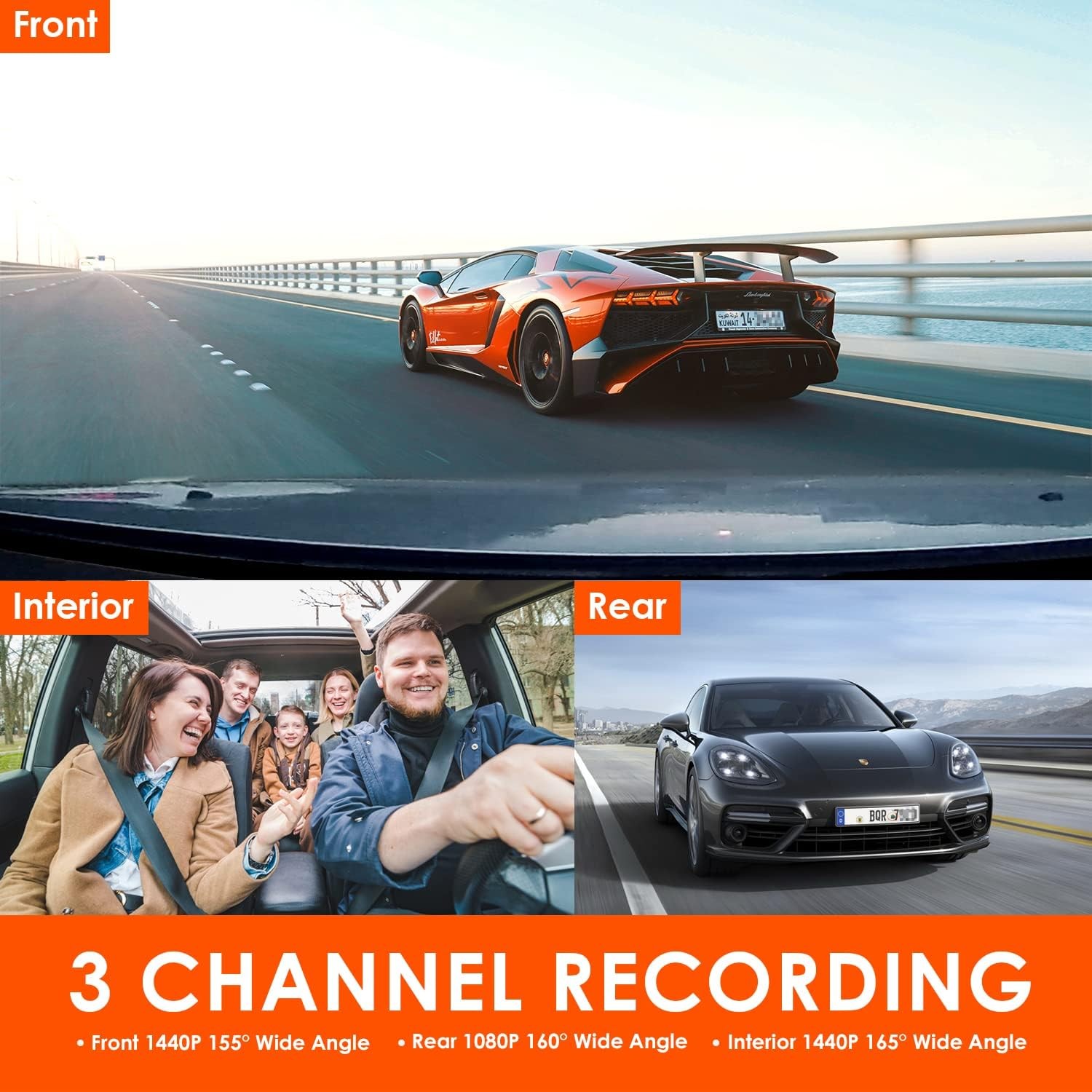
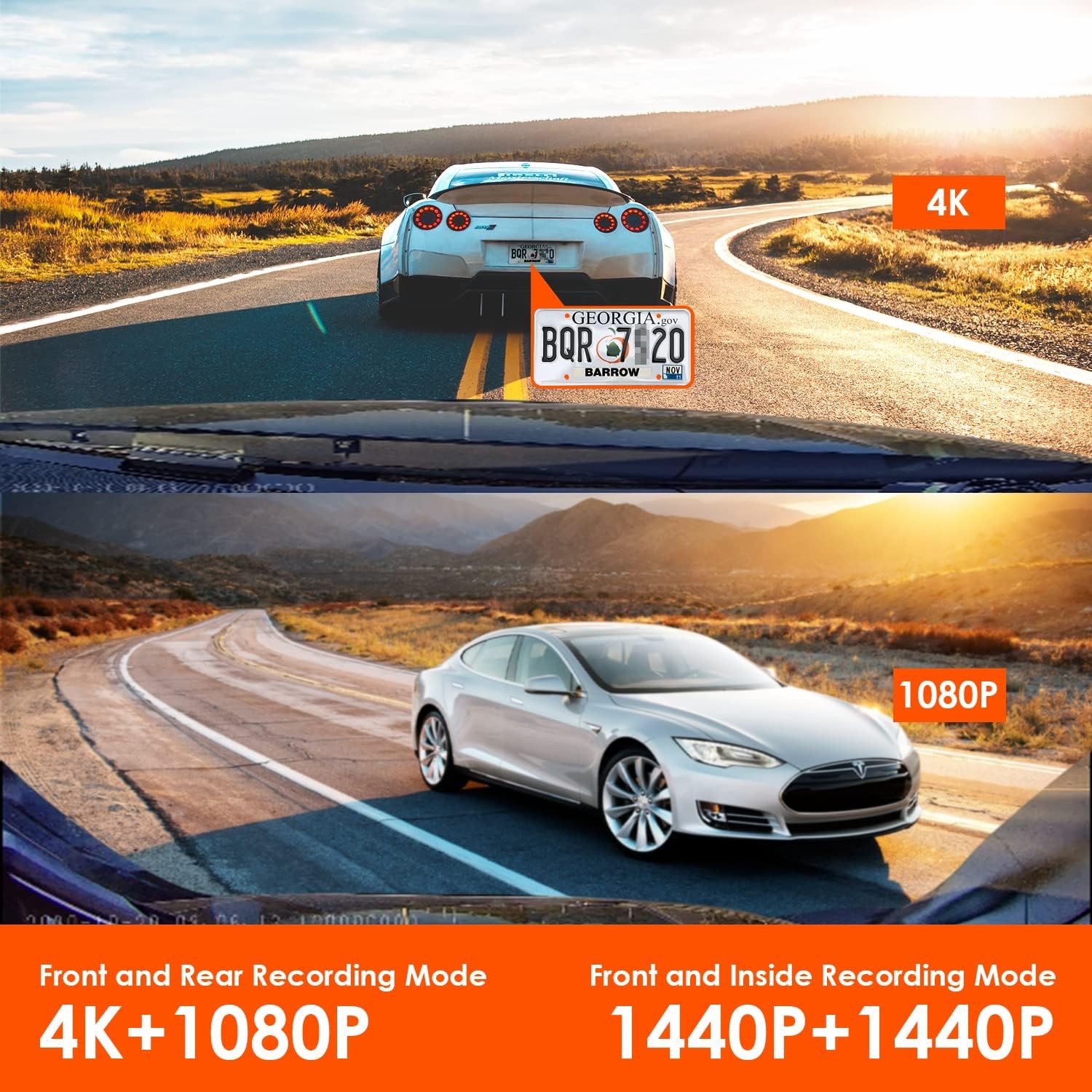
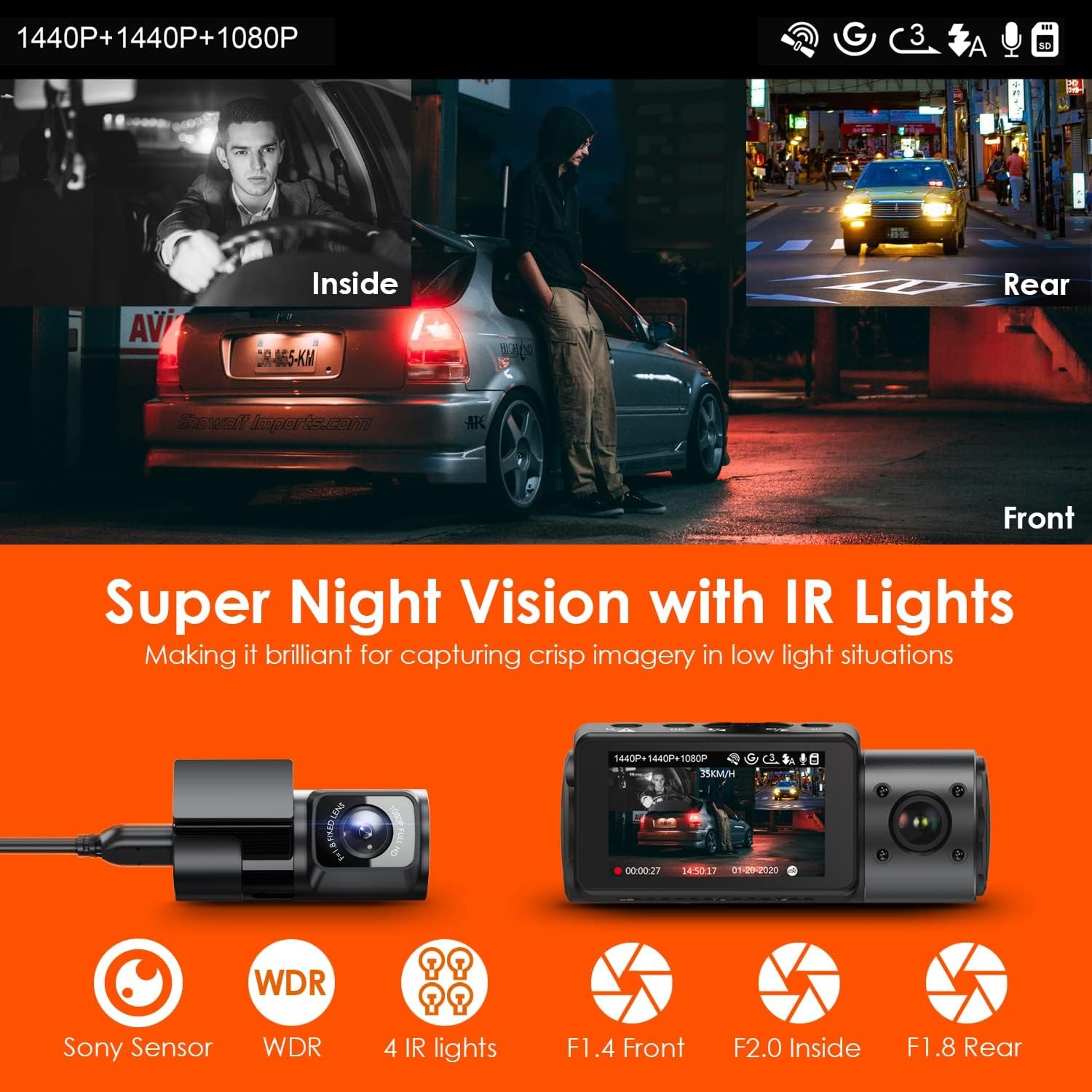
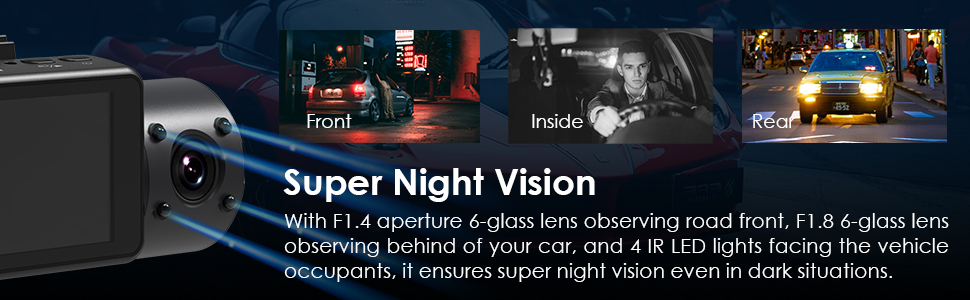
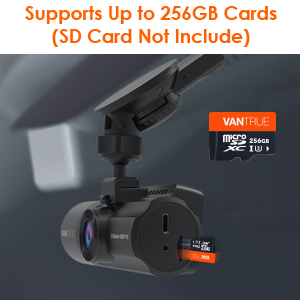
1440P+1440P+1080P Super Capacitor Dash Cam with Infrared Night Vision, Support up to 512G Max.

Save $52 with code VANN4 at checkout.
Price: $259.99

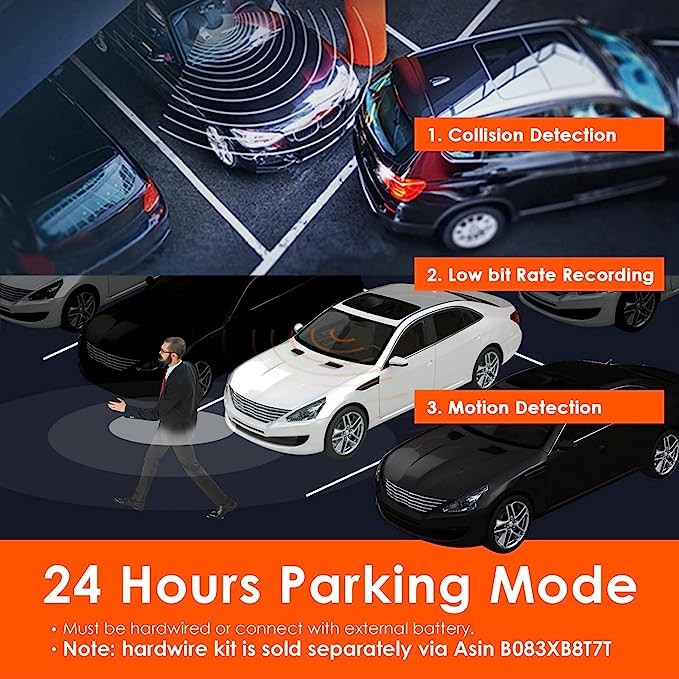
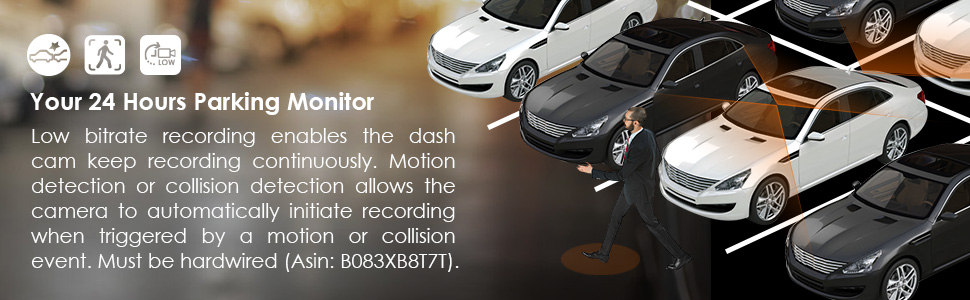
24 Hours Parking Mode, Motion Detection, Time Lapse.

Quantity
Safe & Secure
SSL site seal - VERIFIED & SECURED
Pay with Ease
PAYMENT.pngPAYMENT.pngPAYMENT4.png
Trusted Delivery
SSL site seal - click to verify


Specs

Support

PDF

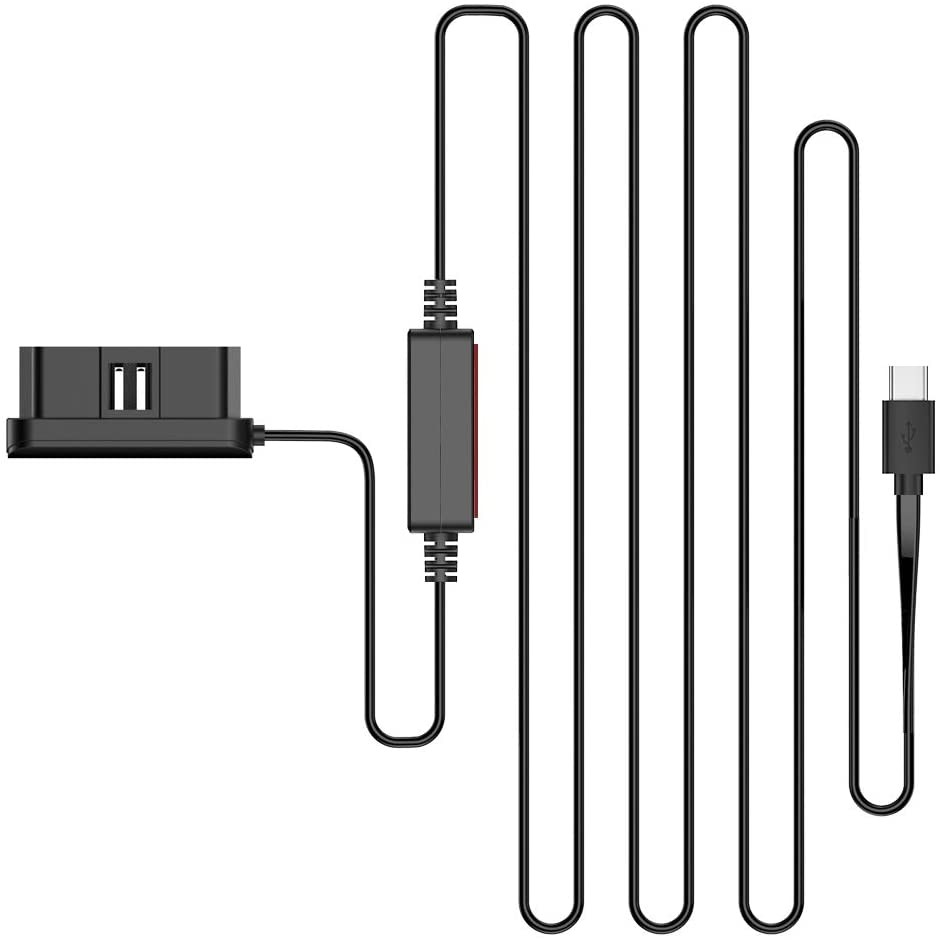
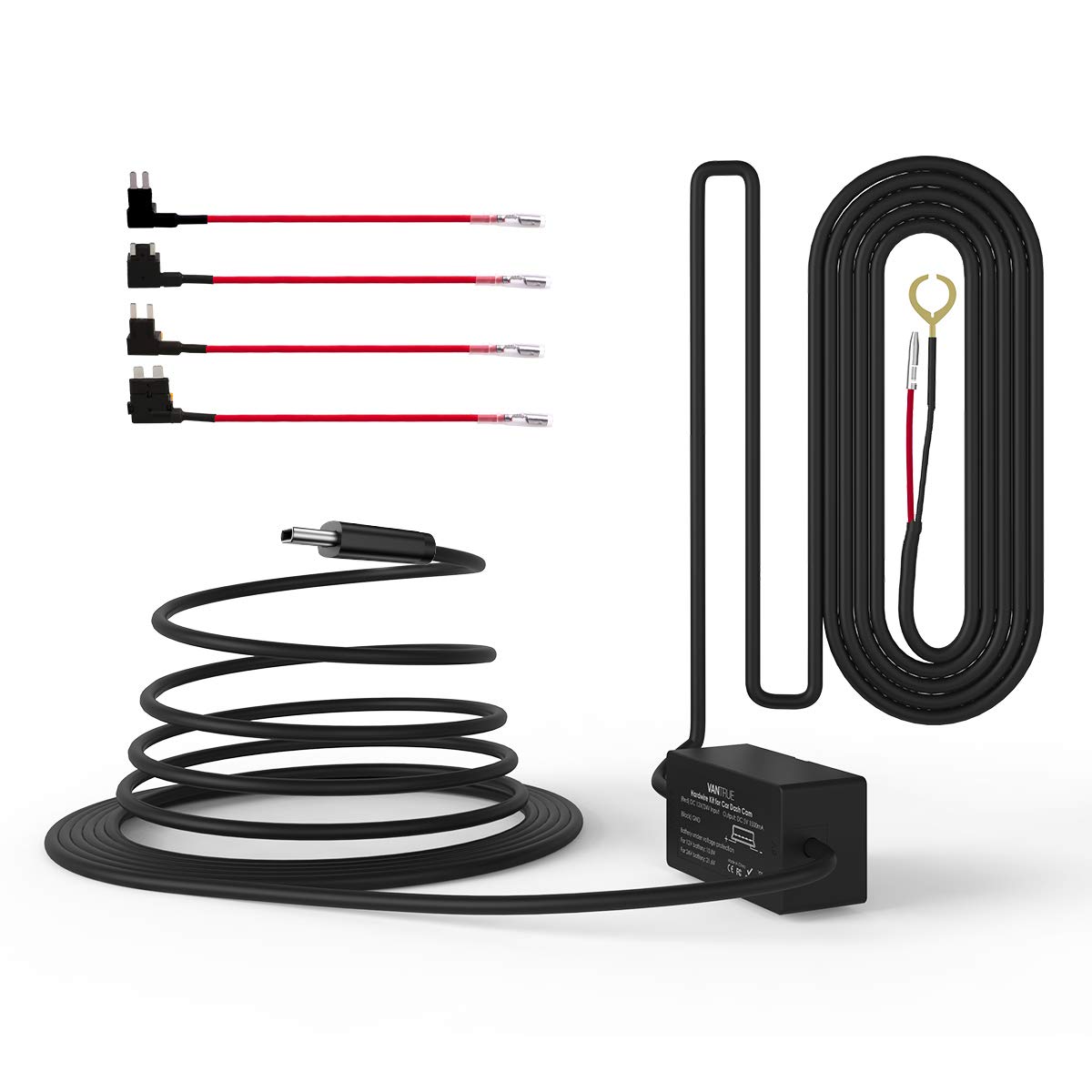
N4 Hardwire Kit User Manual

No viruses ,,7.28M

.ZIP

N4バージョンアップの方法

No viruses ,

FAQ

N4 Rear Cam Cable Correct Connection

  1. Rear cable must plug into the rear USB port on the front unit.
  2. 3.5mm jack connection on the rear cable must connect properly.

 Note: Please contact us at support@vantrue.net if your rear cam still does not work after confirming cable connection with resolution settings are all correct. 

 Please meanwhile send us clear pictures which show all the cable connections and order number(ID) for your dash cam. Then we will provide you a solution soon. 

Thanks for cooperation.


Reviews

( 1243 Reviews )

4.7/5.0

V. Perez
I am a seasoned weekend Uber driver with over a years’ experience using the Vantrue N2 Pro. I rely on using a really good quality dash cam and was very happy with my N2 Pro along with the customer service experience’s I have had with Vantrue. I was looking to get another dash cam that had a 3rd camera that I could use for just the back seat area of my car since the front seats block a lot of the rear seat area. A Vantrue customer rep told me that the rear cam was just for the rear window back view, however I ordered the N4 Pro off Amazon to try it out anyways. I installed the main dash cam positioned just under my rearview mirror and the rear cam positioned up high on the interior post separating the front and back windows pointing at the rear seats. The N4s front and in cab video quality is top notch as expected. The bigger LED screen is a nice upgrade. The cam’s menu is user friendly and has all the options you will need. Formatting the SD card was easy and very quick. Doing the firmware upgrade was relatively easy as well. I ordered the optional hardwire kit ($16, I highly recommend it) and was able to uninstall the N2 set up and install the whole N4 set up in an hour. It turns out that the rear camera does not pick up the ambient infrared light from the main dash cam’s LED’s, so I didn’t expect this set up was going to work for me at night. To my surprise it works quite well. I drive Uber mostly at night in an urban city dwelling with lots of city lights. During the day the rear cam view works great. At night it’s too dark, however the city lights kept it illuminated sufficient enough and with the interior light on it is great. The biggest advantage comes from the fact the fact that rear camera videos are always in color and clear, opposed to the night time black and white IR illuminated video, so when I searched thru the night time video clips, I preferred the rear camera views. The only con’s I have to mention are: 1) Depressing the clip to unmount the dash cam is not easy, the N2 was easy. 2) The rear view cameras video cord connects directly to the dash cam, not the mount like the power cable does. I would highly recommend the N4, especially to ride share drivers, for its great quality, functionality and Venture’s customer service has always come through.
Wendy garris-barron
Antoine Doinel
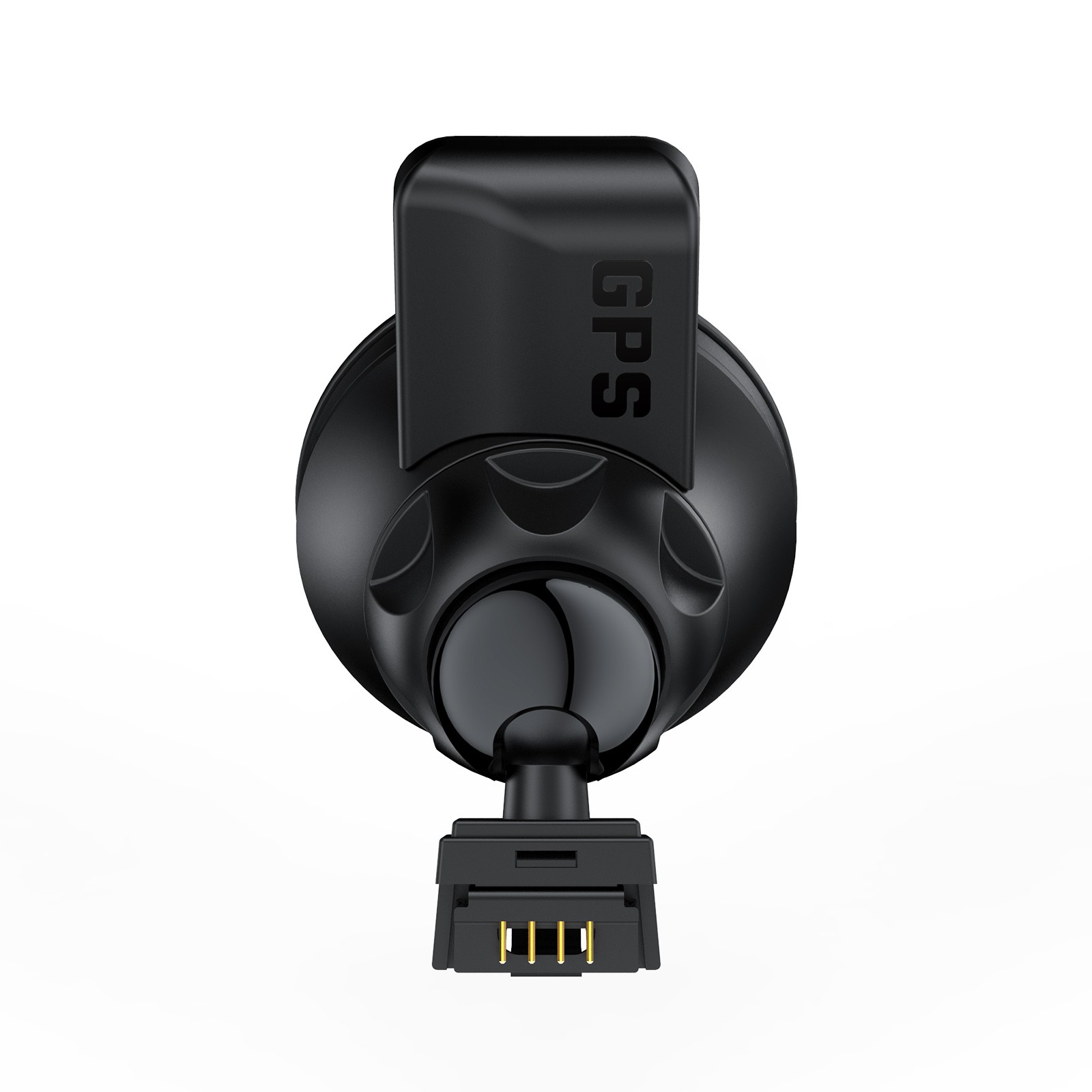
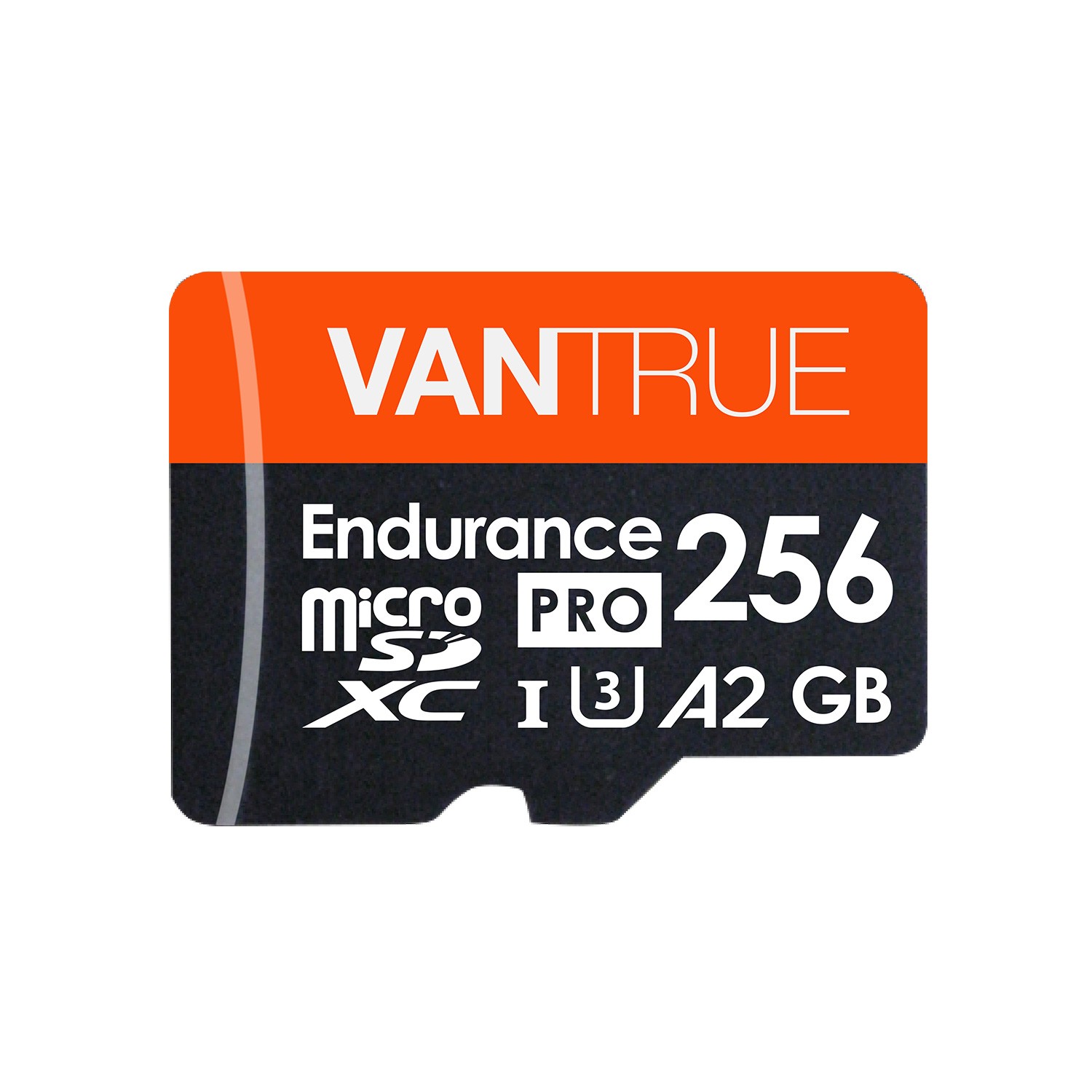
When connecting this camera through the micro HDMI port to a TV through a micro HDMI to HDMI cable the camera simply goes into a restarting loop. I have tried three different cables including one which was sent to me directly from Vantrue.I have also tried a replacement camera, but that too had the same problem. I have tried different monitors, all of which work with other devices and the same cables. I am a professional film and video editor and in my professional opinion this is a firmware issue as I can tell a connection is being due to the fact that the camera goes into a recycle loop whenever an HDMI cable is connected. Nothing I have tried with Vantrue tech support has resolved this issue.I am keeping this camera because overall I like the features but Vantrue needs to fix the micro HDMI port problem.Continue to read an in depth review.I recommend this camera especially if like me you want the added security of an inside cabin camera, along with a rear view camera.Pros:Easy to usePrice is lower than comparable higher priced camerasGood packaging with high design qualityGood camera design with small profileGood image quality with low light visibility comparable to much more expensive dash camsThree cameras provide good coverage of your car inside and out.GPS and speed information with purchase of optional GPS mount.Works with high endurance micro SD cards which are easily mounted onto a desktop computer.Records audioParking mode with G sensor and and motion detection.Cabin night visionRelatively easy to mount.Adequate customer support.Free player app for Mac or WindowsCan play videos with many free MP4 player appsLarger screen than the N2Better resolution camera and low light capability than the N2 ProCONS:No soft touch rubberized coating like the one on the N2 ProCamera body is not all matt black like the N2 ProMenu background is a slightly less pleasing interface than the N2 ProTime date speed stamp on video is white and not yellow and harder to see over light backgrounds.Does not take still pictures like the N2 ProMicro HDMI port does not work at all when connecting to the TVFree Player app is a little bit glitchy but still worksGPS mounts and cables from N2 Pro do not fit and you need to buy the new GPS mount for map and speed info.Due to rear facing camera you have two wires coming from the camera instead of just oneCabling the camera wires under your headliner and trim is a big job and should be done with proper trim tools and instruction.No wifi for cloud upload or playback on portable phones and devices.Parking mode does not provide buffer recording.After owning the N2 Pro for about a year and loving that dash cam I upgraded to the N4 in order to add a rear view camera. The N4 works much like the N2 Pro with a straightforward menu system and easy to follow instructions. I purchased the Vantrue 256 micro SD card and the Vantrue GPS mount to add speed info and GPS locations. If you are updating to the N4 you cannot use the GPS mount from the N2 Pro. The connections on the N4 have all been changed so the GPS mount from the N2 Pro is not compatible. They have also updated the connections to USB C and Micro HDMI from mini HDMI. The N4 adds a bigger screen, and 1440 front view resolution, The Sony chip is the same as on higher end cameras like the Blackview. The aperture opens wider than the N2 Pro so this camera is better in lower light. The image quality is very good and the coverage with the three cameras give great coverage while driving. The size of the camera is comparable to the N2 Pro but slightly larger. The N4 does not have the rubberized soft touch coating that I loved on the N2 Pro. There is also a small gray section to the body of the camera around the cabin camera which I wish were all black like the rest of the camera. Because you have to connect the rearview camera there is an extra wire coming from the camera when mounted. It is not as clean looking as the mount for the N2 Pro but not too bad either. The menu system background color is a a displeasing bright orange instead of the red background from the N2 Pro. The N4 does not take still pictures like the N2 Pro does, which is unfortunate, but it has a button to lock clips in memory. If the LCD screen has gone to sleep while driving you need to hit the button twice to lock in a clip, once to wake the LCD screen, and once to lock the clip. The date, time, speed, plate, and GPS stamp is now white instead of yellow. The yellow was better because you could still read it over a light background. The Vantrue player app is a free download from Vantrue and works on both Mac and PC. It's a little clunky and will crash if you have too many clips loaded into it, but it works to show you a map view of your drive and speed info. It also shows you potentiometer info for bumps and impacts, which is helpful if you are shuttling to a point in a video where your car was bumped into. I find the videos all play much more reliably with VLC. So if you only want to watch the videos back and export them you can simply use VLC. The USB C input does not seem to work directly to another mini USB C fast charge battery pack, but that could just be because it is not compatible to the portable battery pack I have. The only issue that I have not been able to troubleshoot with Vantrue is the micro HDMI port. It does not work when connecting to my Sony Bravia TV. When I try to connect to the TV via the micro HDMI cable the camera just cycles on and off. I have tried different cables and different ports. I also ordered a replacement N4 but that one has the same problem. This seems to be a default in the firmware. I have tried upgrading the firmware but that did not fix the HDMI port issue. The HDMI port worked on the N2 Pro but I never used it. It is much easier to simply pull out the micro SD card and plug that into your computer, or plug the camera into your computer through the USB C port. You have to buy a "high endurance” micro SD chip. Vantrue makes a 256GB one now or you can buy the Samsung Pro 128GB micro SD card which comes with a warranty. Stay away from the SAN Disk Micro SD cards. Despite the Micro HDMI port not working properly I will keep this camera because it still does everything I bought it for. Hopefully Vantrue will fix the HDMI issue in a firmware update. Vantrue does get back to me by email and has worked with me to try to fix the issues I have had. The N4 does not have wifi or Bluetooth and does not work with a phone app like the Blackvue but unless you want to be sent updates to your phone when someone tampers with your parked car this is not an issue. My Mazda 3 cigarette lighter stays powered on when the car is turned off so I do not need to hardwire this camera to the car battery. If I am going to be at work for several hours I can connect this camera to a small portable battery pack and it will stay powered all day without draining my car battery. The parking mode has both motion detection and a G sensor. The camera does not have buffering record capabilities like some security cameras which will record buffered video ahead of an impact or motion event. This means you will only get video from the moment the camera was triggered forward. But generally that is enough information to get a license plate or the person who tampered with your car walking away. Running the cables for the rear camera and front power supply is a big job. I bought a $20.00 trim tool kit and watched some you tube videos on how to do it. Since my car is a hatchback it made wiring the rear camera properly more complicated. I recommend getting silicone spray and wiping it on the cable to make it slide better through wiring tubes. It took me two to three hours to get the cables how I wanted them being careful not to damage my head liner or interior trim. The wires are all cleanly hidden and were properly cabled though the hatchback wiring harness.After a week of owning this Dash Cam and despite the issue with the micro HDMI port and some small cosmetic differences from the N2 Pro I still recommend this camera if you want an interior cabin camera with microphone along with a front and rear camera.
Howzit from da 808
Camera got release in January 2k20Did some research and watch videos on YouTube also went to their websiteExcellent product 1st dash cam I ever ownedWould buy again I just got it in September so far so good also bought the hardwire kit
LUTFA ISLAM
They don’t give or it doesn’t come with HD card. There for you guys have another expense to add with.
See all reviews >